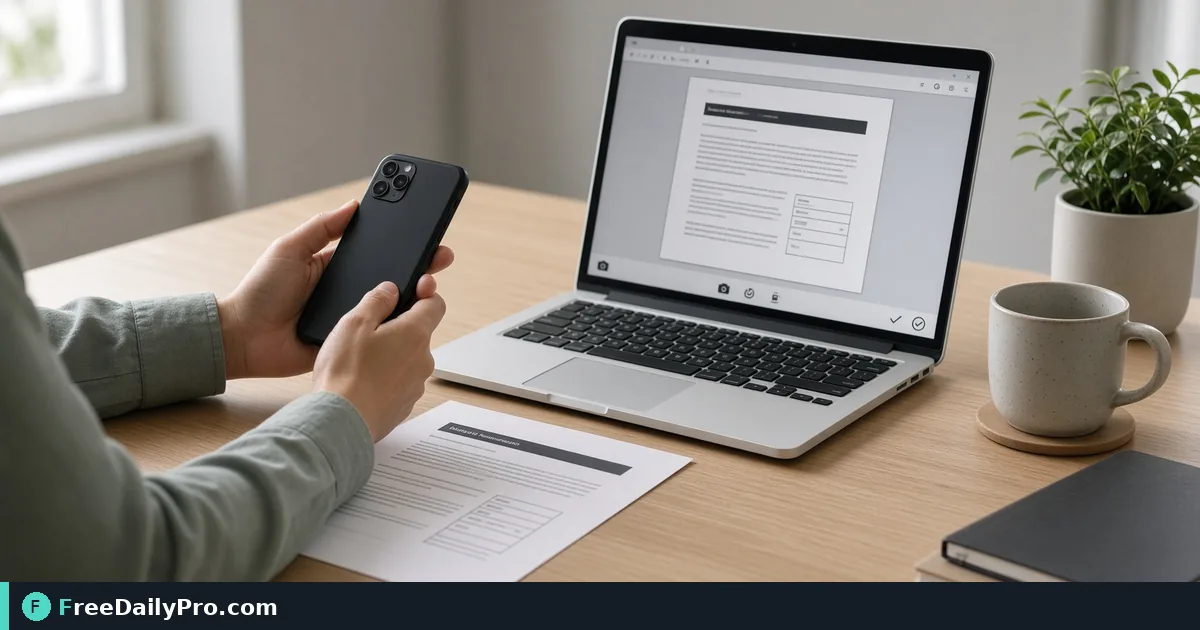
Take a Webcam Headshot for an Onboarding Form in Minutes
Capture a still from your laptop or phone camera, crop it to your face, and size it for a form upload, all inside the browser.
It is the afternoon before your first day at a new company and the HR portal wants a profile photo by tonight. You are at a desk with a laptop, no phone nearby, and your last decent picture is a holiday snap with three other people in it. Instead of hunting for a camera app, you can take the picture where you already are. Camera Capture opens your camera in the browser, takes a still, lets you crop it and gives you a file or a clipboard copy.
The photo is captured and cropped inside the page, and nothing is uploaded unless you choose to send the downloaded file somewhere yourself. The clip below shows the capture step.
From permission prompt to saved file
- Press Start Camera. Your browser asks whether this site may use the camera. Allow it.
- Look at the line above the live preview. It prints the camera resolution, for example 1280 x 720. The tool asks for up to 4096 x 2160, but the browser hands over the closest size your camera supports, so a basic laptop webcam often returns much less.
- If you have more than one camera, a drop-down lists them by name. On a phone, the Front / rear camera button flips between the two sides.
- Decide the format now. Tick Save as JPG if you want a JPG; otherwise you get a PNG. The tick has to be set while the preview is live.
- Press Capture. The preview freezes on a still and the camera switches off.
- Drag a rectangle over the still to select the area you want, then press Crop Selection. The crop appears below with Download Crop and Copy buttons. Or press Download Full Photo to keep the whole frame.
- If the shot is bad, press Retake and the camera restarts.
Files are named with the date and time, such as camera-20261017-143005, and the crop adds -cropped. There is no gallery. If you refresh the page before downloading, the photo is gone.
Worked example: a 600 by 600 portal photo
Say the portal asks for a square JPG, 600 by 600 pixels, under 500 KB. A typical built-in webcam captures 1280 x 720 pixels. You sit about an arm's length from the screen, with a window in front of you, not behind you, and capture.
On the still, drag a box around your head and shoulders. The crop tool draws an open-ended rectangle, not a locked square, so you will likely end up with something like 560 x 640. That is fine, because the next step fixes it: open Resize & Crop, load the cropped file and set it to 600 x 600. If your first crop was a bit taller than wide, take a moment to make the drag as close to square as you can first, otherwise the final resize may stretch your face slightly. Check the result at full size before you upload.
If the file is still above the portal's limit, run it through Compress Image. A 600 x 600 JPG at moderate quality is usually far below 500 KB, but read the file size on your own computer to be sure. PNG files are larger than JPG for photos, which is why ticking Save as JPG before capture saves a step.
Get a better picture before you press Capture
The tool grabs whatever frame is on screen at that instant, so everything that makes a webcam photo look good happens before the click.
Face a window or a lamp, not the other way round. A bright window behind you turns your face into a silhouette, and the tool has no exposure control to rescue it.
Raise the laptop to eye level with a stack of books. A camera that looks up at your chin is rarely flattering.
Clean the lens. A fingerprint smear softens the entire image and you will not notice until the still appears.
Keep still for a second. A moving head can blur, so settle into position, breathe out, then click.
Look at the frame edges. A crop can only remove pixels, so leave a small margin around your head in the original so you can choose where to cut.
When the camera will not start
Most failures are about permission. If you pressed Block by mistake, a web page cannot ask again. Click the camera or lock icon beside the address bar, set camera access for the site back to Allow, reload and press Start Camera once more. The tool shows a message explaining which step went wrong.
Another common cause is a second program holding the camera, such as a video-call app. Close it and retry. If the live preview appears black, check that the right camera is selected in the drop-down, since the first one listed is not always the one you want, especially with an external webcam beside a built-in one.
If the capture button says the preview is not ready, wait a moment for the live feed to appear and try again.
What the tool does not do
It takes stills only. It does not record video, take bursts, zoom, flash, or apply portrait effects, and its crop is a plain rectangle with no rotate or straighten. For a phone photo of a whiteboard with perspective problems, a dedicated scanner would do a better job. The Copy button works on the cropped result, and only in browsers that allow images to be written to the clipboard. If it fails you will see a message suggesting a download instead.
Quality is what the camera and browser deliver. Nothing here adds detail, so if the resolution line shows 640 x 480, the picture will be soft however carefully you crop.
Other formats and neighbouring tools
If a portal only accepts WebP or only accepts PNG, Convert Image changes the format after capture. For other photo jobs, the image tools category has resizing, filters and flips. Each tool has 10 trial usages a day, so a headshot that needs capture, resize and compress fits several times over.
A quick privacy note
The page uses your camera only while the live preview is on, and it stops the camera when you press Capture or Cancel. Even so, glance at your browser's tab indicator to confirm the camera light is off when you are done, and close the tab if you are on a shared computer so the unsaved photo is discarded.
Which photo job do you usually end up doing at the last minute: headshots, document snapshots or product pictures? Tell us on the contact page.