Build a Hybrid Meetup Checklist With Owners and a Movable Date
Start from a 12-week event timeline, add your streaming and AV tasks, assign owners and shift every date when the event moves a week.
A hybrid meetup has two audiences, one in the room and one on a stream, and every task seems to belong to someone who assumed it was somebody else's. By week three the question is not "what is left" but "who was doing the speaker test". Event Checklist Planner starts you from a dated timeline and forces each task to have an owner.
The clip below shows the timeline being added and tasks being ticked off.

What the starter timelines are, and are not
Press the Event type menu and you will find six options: Wedding, Birthday, Corporate event, Conference, Exhibition or trade show and Fundraiser. Pick one, set the event date and press Add these tasks. The tool counts backwards from your date and gives each task a due date and a category.
The lists are short on purpose. For a meetup on 18 February 2027, the Corporate event timeline adds six tasks: define goals and budget on 26 November 2026 (12 weeks out), book the venue on 10 December, open registration on 24 December, confirm speakers and agenda on 7 January, order catering and AV on 28 January and send reminder emails on 11 February. Nothing in it mentions streaming, a moderator for remote questions or speaker tech checks. That gap is normal: the template is a spine, and the hybrid-specific work is yours to add.
Worked case: the hybrid meetup
Add the Corporate event timeline for 2027-02-18. Then type your own tasks in the box that says "Add your own task" and press Enter. For this meetup that might be: choose the streaming platform and test an account, book a room with reliable wired internet, assign a remote-chat moderator, run a speaker tech check on the real laptops, prepare a fallback recording and email the recording link afterwards.
Each added task starts without a date or an owner. Fill in the due date with the date picker and type a name into the Owner field, for example the AV volunteer for the tech check due 11 February. Tasks with no date sink to the bottom of the list, which is a prompt to date them. As soon as owners exist, an owner menu appears next to the filters so each person can see only their own tasks.
The tiles tell you where you stand
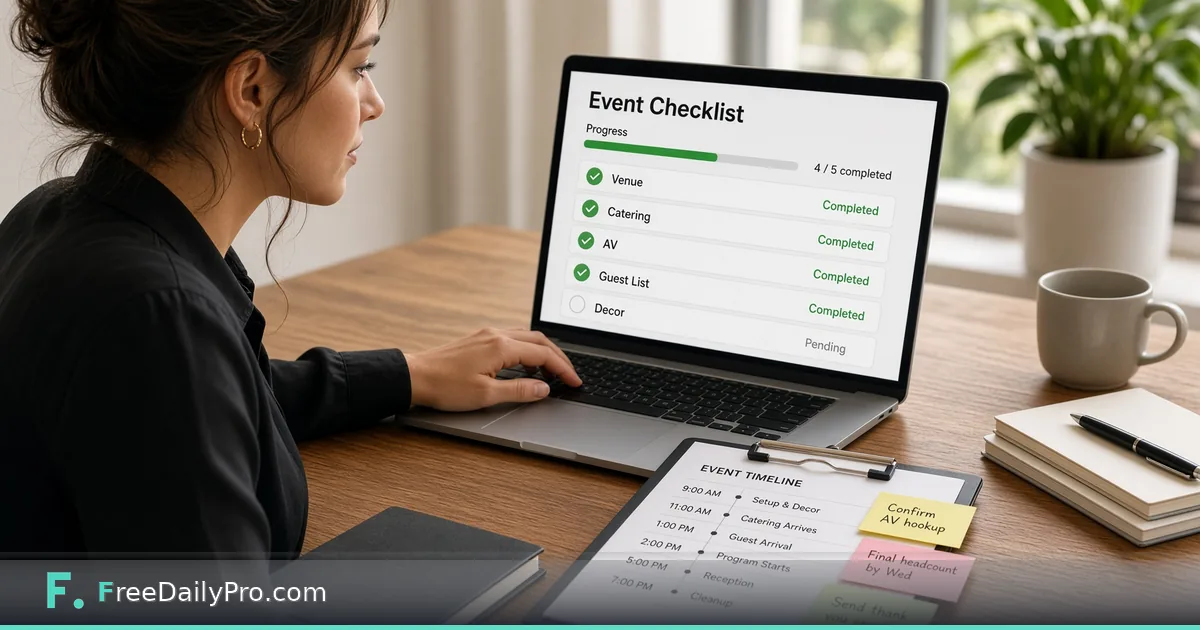
Four tiles sit above the list: percent done, open tasks, overdue tasks and tasks due in the next seven days, with a progress bar beneath. Overdue rows turn red and say "Overdue". Rows due soon are marked. The filters switch between All, Not done and Overdue.
A practical rhythm is to open the page on the same weekday each week, press Overdue, and fix those rows first. If the overdue list is long in week two, the date or the scope is the problem, not the checklist.
When the event date moves
Suppose the venue can only offer 25 February. Do not retype every date. Enter 7 in the "Move every date by" box and press Move dates; every task that has a due date shifts by seven days, including your custom ones. Use a negative number to pull everything earlier. Tasks without dates are left alone.
Be careful with one thing: this moves everything equally. If registration should still open on 24 December because a partner has announced it, change that row back by hand afterwards.
Steps in order
- Choose the event type and set the event date.
- Press Add these tasks. Pressing it again does not duplicate tasks that are already on the list, matching by title.
- Add your own tasks, one at a time.
- Give every row a due date and an owner.
- Use the filters to focus on Overdue or on one person.
- Tick tasks as they finish. Rename a task by editing its text.
- Share the list: Copy as text, Download Excel, or Download CSV.
- Save the project file so you can reopen the list later.
Sharing it with the team
Copy as text puts the checklist on the clipboard, one line per task with a box, the date, the title and the owner in parentheses, so it pastes cleanly into a chat or an email. The Excel file has a Checklist sheet with Done, Task, Due, Owner, Category and Notes columns, and the CSV can be edited and brought back with Import CSV. A blank CSV template is available for planners who prefer to start in a spreadsheet.
Each of those exports counts as a trial use, and the list itself lives in your browser tab until you close it. That is why Save project matters: it downloads a small file you can open again later.
Mistakes that break checklists
Tasks without owners. A row that says "book AV" and has nobody's name will still be open in week eight.
Dating everything at the last minute. The tool's own advice is to lock in the farthest-out tasks first, such as venue, key vendors and save-the-dates, because they have the least room if you are late.
Adding a task twice with slightly different wording. The duplicate check works on exact titles, so "Test stream" and "Stream test" both stay.
Treating the template as complete. If your meetup has a sponsor, a livestream or accessibility requirements, add those rows before you start ticking.
Forgetting what happens after. Add "send recording and thank-you notes" with a date after the event, since the template stops at the reminder emails.
Where to go next
Money and headcount deserve their own tools. Event Budget Planner tracks spend against planned lines, Guest List Tracker holds the attendee list and Invitation Maker produces the invite. For a broader view on how these connect in one session, read about the event-day schedule and browse event tools.
On the practical side, remember that a dated list is only as current as its last update. Pick a weekly slot, review, move dates only when the decision was actually made and note the new date in the team chat.
What task does your team forget most often at a hybrid event: the stream test, the moderator or the follow-up? Tell us on the contact page.