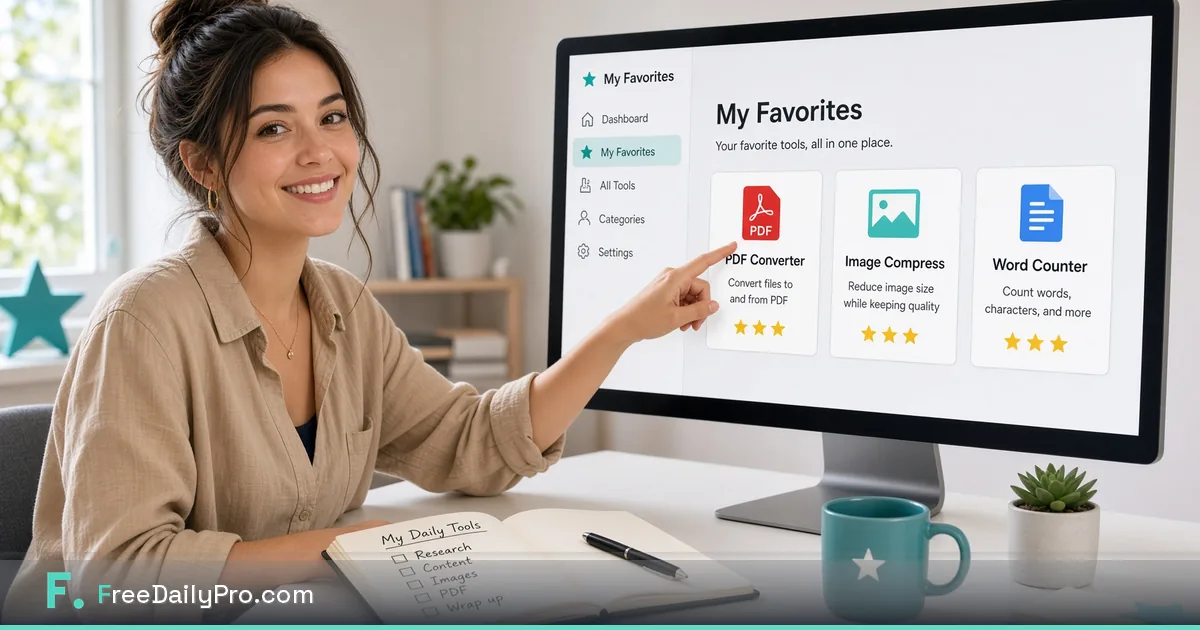
Build Your Own FreeDailyPro Page With Just the Tools You Love
FreeDailyPro's My Toolkit page lets you save favorite tools and pick up recent ones — your own personal toolkit.
You don't need 200 tools on screen when you only use eight of them every day. FreeDailyPro now lets you star the tools you love and open My Toolkit to see your personal collection — clean, fast, and ready.
This is one of the most requested features from people who live inside FreeDailyPro for PDF work, image prep, invoices, calculators, and writing. Now it's live.

What My Toolkit actually does
- Click the star on any tool to add it to your favorites
- Open My Toolkit to see your starred tools in one place
- Recently used tools show up there too, even before you've starred anything
- Come back tomorrow and your list is waiting, saved right in your browser
No more scrolling through categories to find Compress Image, Merge PDF, or Word Counter — your daily tools live in one place.
Why a personal tools page changes daily work
Most of us have a small set of "always open" tools — compress a PDF before email, resize a product photo, count words in a draft, merge a couple of documents, generate a quick QR code. Until now, you had to hunt for them each time. With My Toolkit, you open one page and everything you actually use is already there.
How to set up your favorites in under a minute
- Go to FreeDailyPro.com
- Browse any category or search for a tool you use often
- Click the star icon on that tool
- Repeat for the 5–15 tools you use most
- Open My Toolkit to see your personal page
Perfect for freelancers, students, sellers, and teams
- Freelancers can star invoice, PDF, image, and resume tools together
- Ecommerce sellers keep compress, convert, resize, and QR tools one click away
- Students favorite word counters, PDF tools, and calculators
- Anyone sharing a computer can build their own list — favorites are saved per browser
A worked example: a freelancer's Monday set
Say you invoice clients, send PDFs, and post a few images a week. A sensible starter list might be eight stars: Merge PDF, Compress PDF, Compress Image, Invoice Generator, Word Counter, QR Code Generator, Resize Image, and Case Converter. Star them once, and on Monday morning you open My Toolkit instead of searching. If a task changes, unstar the tool you no longer need so the page stays short.
What to know about where favorites are stored
Your list lives in the browser you starred from. That keeps things simple, but it also means a different browser, a different computer, or cleared site data starts with an empty list. If you work on two machines, star your core tools on each. On a shared computer, use your own browser profile so someone else's stars do not mix with yours.
Privacy and daily usage stay exactly the same
Starring tools doesn't change how files are processed. FreeDailyPro still keeps file work in your browser whenever possible, with no login required for most daily use and the same daily trial usages as always.
Create your personal toolkit today
Open FreeDailyPro, star the tools you reach for most often, then visit My Toolkit. Feel how much cleaner daily work becomes when the site shows only what you actually need.