Rename a Product Across a 40-Page Draft Without Breaking It
Swap an old product name for a new one in pasted text or a Word file, with case, whole-word and regex switches explained.
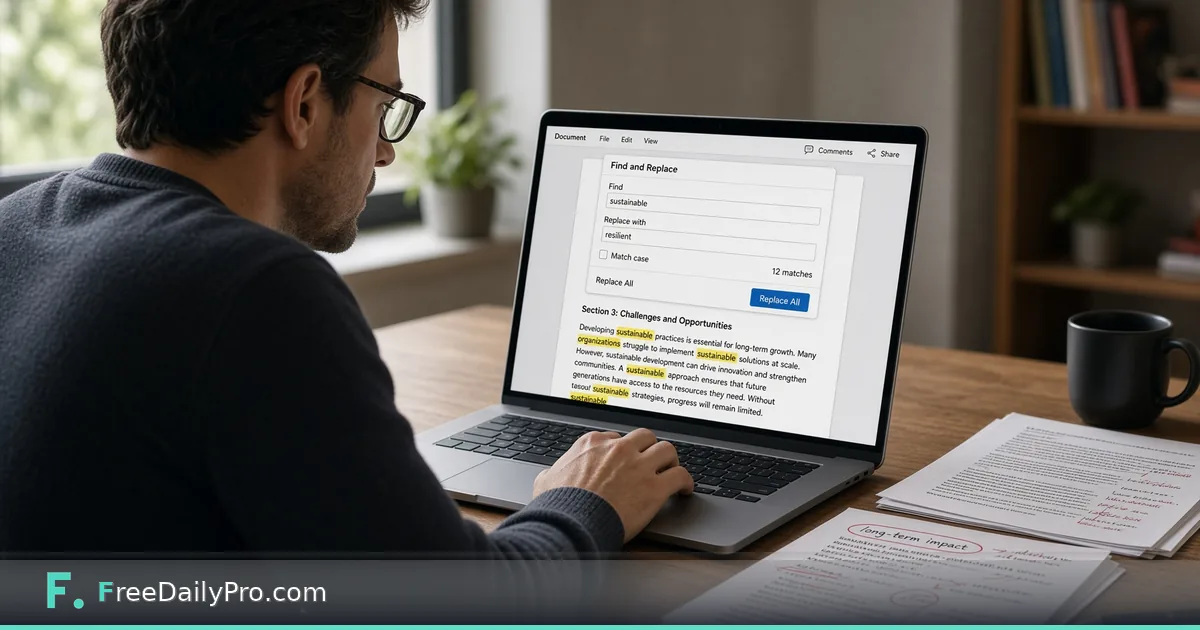
The product your manual describes was called Kestrel Desk when you wrote it, and marketing just renamed it Kestrel Studio. The draft is 40 pages, the old name appears in headings, captions, ALL-CAPS warnings and one awkward plural, and you have until the end of the day. Find & Replace swaps every occurrence at once and lets you control how literal the match is.
It works on text you paste, or on an uploaded .txt, .json, .csv, .md, .html, .xml or .docx file, and the result comes back in the same format. The clip below shows the basic replace.

The four switches, tested on a messy paragraph
Take this sample: "Kestrel Desk 2 ships in May. KESTREL DESK is the name on the box. Ask about kestrel desk pricing. Kestrel Desks sold out." Searching for kestrel desk with every switch off finds four matches, because matching ignores case by default and the plural "Desks" still contains the phrase. Replacing with "Kestrel Studio" gives "Kestrel Studios sold out", which is probably wrong, and the box label now reads "Kestrel Studio" in mixed case instead of capitals.
Turning on Whole word fixes the plural: only three matches remain, and "Kestrel Desks" is left alone for you to review by hand. A whole-word match means no letter, digit or underscore touches the match on either side, and that check understands accented and non-Latin letters as well.
Preserve case copies the style of each match onto your replacement. With the replacement typed as kestrel studio, the all-caps match becomes KESTREL STUDIO and the lowercase one stays lowercase. There is one catch worth knowing: a multi-word match in title case, like "Kestrel Desk", does not get capitalised. The tool recognises all-caps, all-lowercase and a single capitalised word, so "Kestrel Desk" comes out as kestrel studio. For names with two capitalised words, run one pass with Case sensitive on and the exact capitalised replacement, then a second pass for the lowercase and capital variants.
Regex mode for patterns, not names
Switch Regex on when you need a pattern. A typical use is dates: find (\d{4})-(\d{2})-(\d{2}) and replace with $3/$2/$1, and "Invoice 2026-03-14 due 2026-04-02" becomes "Invoice 14/03/2026 due 02/04/2026". Parentheses create groups, $1 is the first group, amp; inserts the whole match, and \n or \t in the replacement become a line break or tab.
A second switch, "^ $ match each line", appears only in regex mode. With it on, find ^Name: and replace with - to turn "Name: Ana" and "Name: Bo" lines into list items. Without it, the caret only matches the very start of the text.
Outside regex mode your replacement is literal, so a price like Price: $5 replaced with Price: $6 stays exactly as typed. If you are unsure a pattern does what you think, build it first in Regex Tester, then paste it here.
Steps for a Word manual
- Drop the .docx on the upload box. A read-only preview of its text appears; the layout is untouched and simply not shown.
- Type the old name in Find and the new name in Replace with.
- Choose switches. For the Kestrel case: Whole word on, Case sensitive off, Preserve case off.
- Press Replace All. A line below the buttons reports "Replaced N occurrences", or "No matches found in this document."
- Skim the preview text for oddities, then press Download Corrected .docx. The file is saved with
_editedadded to its name, so the original stays safe.
For pasted text there is a live counter ("4 matches found") before you commit, and an Undo button restores the text from before the last replace. A .docx has no live counter, so the count after pressing Replace All is your first confirmation.
Fonts, images and layout stay as they were because the text is edited inside the document's own runs. If Word split a phrase into several formatted pieces (a bold first word, for instance), it is still found, and the replacement takes the formatting of the piece where the match begins. Only the main body of the document is processed. Headers, footers and footnotes live in separate parts of the file, so check those yourself.
Worked example: a 63-occurrence rename
Say a manual contains 63 mentions of "Kestrel Desk". After Whole word is on, the replacement reports 61, because two are "Kestrel Desks" in a table caption. That gap is the point of the exercise: the number you expected and the number the tool reports should be reconciled before you ship. Search again for Desks and fix those two by hand, writing "Kestrel Studios" or rewording the sentence.
Then paste the old and new text into Diff Checker if you want a line-by-line view of what changed, and run the new text through Word Counter to confirm the length did not drift. Replacing a six-letter word with a longer one can push a caption onto a second line, which matters more in a layout than in a draft.
Mistakes that cost an afternoon
- Replacing a short word without Whole word. Changing "cat" to "dog" turns "category" into "dogegory". Switch Whole word on and the same text keeps "category" intact.
- Forgetting the file type. In an uploaded JSON or XML file, a replacement that breaks the structure triggers a warning toast that the file may no longer parse. Believe it and re-check before using the file.
- Using an old .doc file. Only .docx is accepted; open the file in Word and save it as .docx first.
- Copying from the preview. For an uploaded file, always use the download button, because the preview box is not the finished document.
- Running a regex with an unclosed bracket. The match counter then shows an invalid-pattern message, and Replace All stays disabled until the pattern is valid.
Where this tool stops
It replaces text; it does not rewrite meaning. If the new name changes grammar, for instance "a Desk" becoming "an Atelier", you will still need a read-through. Replacement is also literal about spacing and punctuation, so decide whether "Kestrel Desk," with a comma is in or out of your Find box.
Pasted text is handled in your browser. Uploaded files are read and rewritten in your browser as well, and the corrected copy downloads straight back to you.
copy the heading of one section before you start, so you can compare it with the same heading after the replace.
Next step
Open Find & Replace, paste the one paragraph that scares you most, and watch the match counter before you press Replace All. If the number surprises you, adjust a switch until it does not. More helpers live in the text tools category.
What is the trickiest rename you have had to push through a long document, a product, a person's name or a date format? Tell us on the contact page.