Set Low-Stock Alerts for a Shared Home and Its Weekly Shop
Track pantry, cleaning and office supplies with low-stock thresholds that match your shopping rhythm, plus the quirks to know.
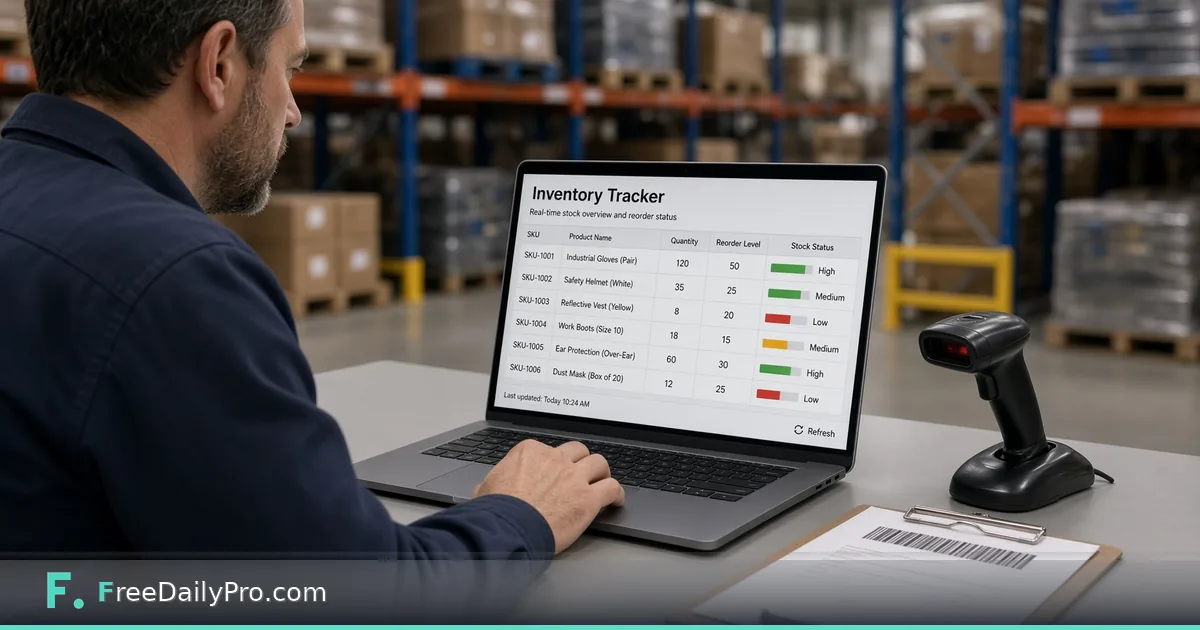
Three people share a flat, someone does the big shop every Saturday, and by Thursday the toilet paper is gone again. Nobody was careless. Nobody was counting either. Inventory Tracker is a small list where each item carries a quantity and a low-stock number, and anything at or below that number lights up in an amber panel at the top.
The clip below shows adding items and reading the alert.

The rule behind the amber panel
The alert is simple: an item is flagged when its quantity is less than or equal to its low-stock number. With a threshold of 2, an item holding exactly 2 is flagged, and so is one holding 1 or 0. The panel at the top shows a count and lists the names, and the flagged name box also gets an amber border.
That means the only decision that matters is the threshold, and the useful way to set it is to tie it to your shopping rhythm. Take what you use between shops, then add a small cushion. In a flat that shops on Saturdays, the number you need is one week of use plus a couple of spare units.
Here is a five-row list for the flat:
| Item | Category | Location | Qty | Low at |
|---|---|---|---|---|
| Toilet paper (rolls) | Household | Hall cupboard | 7 | 8 |
| Dishwasher tablets | Cleaning | Under sink | 12 | 4 |
| Rice (kg) | Food | Pantry | 2 | 1 |
| Canned tomatoes | Food | Pantry | 2 | 2 |
| AA batteries | Electronics | Drawer | 8 | 4 |
Toilet paper uses about 6 rolls a week, so the threshold is 8. With 7 left, it is flagged, which is exactly right on a Friday evening. Canned tomatoes at 2 with a threshold of 2 is flagged as well. The other three are above their numbers, so the panel reads "Low Stock (2)" with the two names. Dishwasher tablets at 12 versus 4 has a long runway; it would take about three weeks at 3 a week to hit the flag.
Thresholds for a small workplace
The same method works for a studio or small office, with one extra variable: how long a delivery takes. Use days until the next delivery times daily use, plus a cushion. If office coffee is consumed at 0.4 kg a day, a delivery takes 3 days, and you want a 0.8 kg safety margin, the threshold is 1.2 plus 0.8, which is 2 kg. Decimals are accepted. Type 2.5 for quantity and 2 for the threshold, and the item is fine until it drops to 2.
Think of the threshold as the point where reordering must start, not the point where you are empty. If lead time changes, say a supplier slows down over the holidays, change the threshold and the panel will react at once.
Using the list week to week
- Open the page. Three sample rows (paper towels, AA batteries, canned tomatoes) are pre-filled. Delete them with the trash icon, or edit them into your own items.
- Press Add Item. A new row appears with the name New Item, quantity 1 and threshold 1, which means it is flagged immediately until you edit it.
- Fill in the name, category, location, quantity and low-stock number. Put units in the name, for example "Rice (kg)", because the quantity box needs a plain number.
- Watch the amber panel as you type. Rows turn flagged the moment quantity drops to the threshold.
- On shopping day, copy the flagged names onto your list in Grocery List Planner.
- After you restock, update the quantities so the panel clears.
There is only one list and no tabs or filters. Use the Location column for room or shelf, and the Category column for the kind of thing, then find items by scanning.
Quantity boxes want numbers only
Entries are read as numbers. A box that is empty or holds text such as "2 packs" counts as 0. If both quantity and threshold are blank or non-numeric, 0 is less than or equal to 0, so the item is flagged. This is the reason to put "(packs)" in the item name and keep the quantity as plain digits.
Thousands separators and decimal commas are understood, so "1,5" for 1.5 works in places that write numbers that way.
Getting the list out, and keeping it
The data lives in the browser tab. It is kept while the tab is open and erased when you close it; nothing is stored online or synced. At the bottom of the page the Back up button saves a JSON file, Restore loads such a file later or on another device, and Clear wipes what the tool has saved.
Copy as CSV places the table on your clipboard, with the columns Item, Category, Location, Quantity and Low Stock At. Paste into a blank spreadsheet cell. If any text starts with an equals sign, a plus or an at sign, an apostrophe is added in front so a spreadsheet does not treat it as a formula. Each copy counts toward your daily trial uses.
Restore only accepts the backup file this tool produced. There is no spreadsheet import, so an existing sheet means typing rows in by hand.
What it does not track
There are no prices, no expiry dates, no history and no barcode scanning. For spending, use Monthly Budget Planner next to this list. If you want shelf labels you can scan, the post on scannable barcodes for inventory labels shows how.
Mistakes that make the alerts useless
- Leaving the default threshold of 1 on every new row, so everything fires at the last unit when the shop is a week away.
- Setting round numbers without checking use. A threshold of 5 means different things for rice and for tablets.
- Closing the tab before backing up. A week of updates disappears.
- Counting units in two ways, such as packs on Monday and rolls on Friday.
- Forgetting to update after unpacking the shopping, which leaves yesterday's red flags on screen.
For more household helpers, browse the home, travel and planning tools category.
What do you run out of most often, kitchen basics, cleaning supplies or office consumables? Tell us on the contact page.