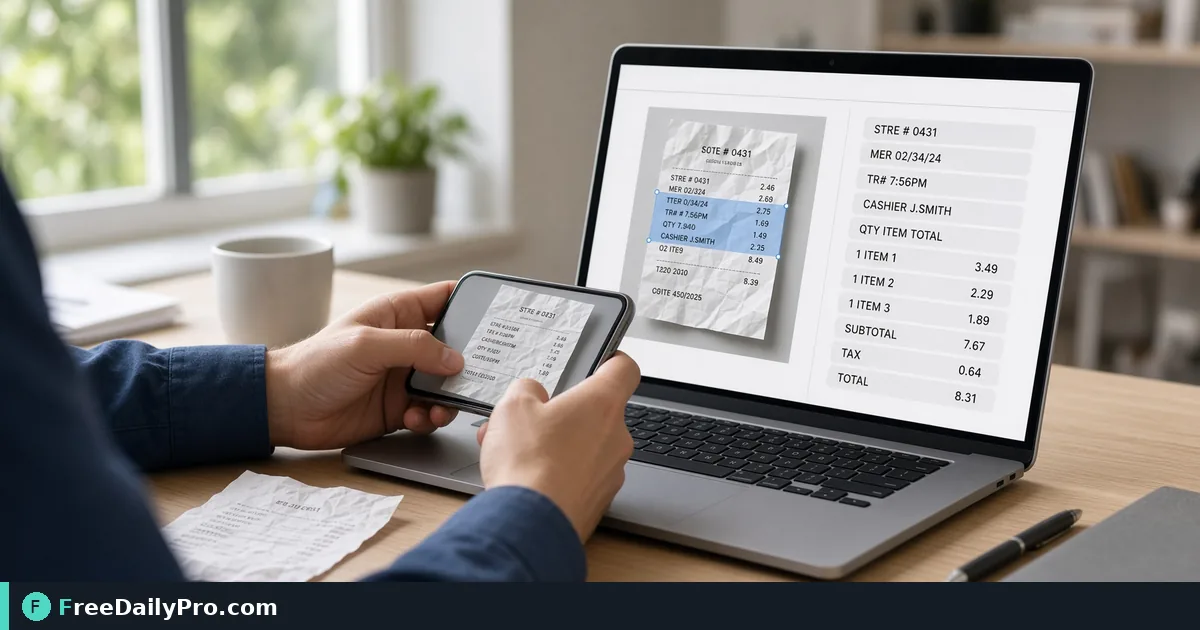
Turn a Receipt Photo Into Text You Can Check and Paste
Extract text from a phone photo of a receipt in your browser, keep the line breaks, and verify the numbers before they reach your books.
A shoebox of receipts is a bookkeeping problem. A camera roll of receipt photos is the same problem with better lighting. Typing every line by hand is slow and error-prone, but pasting unchecked machine output is worse, because a single misread digit lands in your records. Image to Text (OCR) reads the text out of a picture, and with a quick arithmetic check you can trust the result.
The clip below shows the drop, language and extract steps.

A worked example: one cafe receipt
Take a photo of a till receipt from a made-up place, Cafe Luna. The printed lines are:
- 2 x Flat white 7.20
- 1 x Almond croissant 3.45
- Subtotal 10.65
- Sales tax 8.5% 0.91
- Total 11.56
Drop the photo into the tool, leave the language on English and press Extract Text. Suppose the output comes back with the croissant price as 3.4S and the tax as O.91. Those two slips, S for 5 and the letter O for a zero, are classic misreads on small receipt fonts. Now run the maths yourself: 7.20 plus 3.45 is 10.65, and 8.5 percent of 10.65 is 0.905, which rounds to 0.91, giving a total of 11.56. The numbers prove the right values and expose the wrong characters. A receipt whose lines add up is almost certainly read correctly; one that does not add up needs a second look.
Steps in the tool
- Add the image: drop it on the zone, choose it from your device, or paste a screenshot with Ctrl or Cmd plus V. JPG, PNG, WebP and iPhone HEIC photos are accepted.
- Check the preview, then pick the language of the text if it is not English. The list sits below the preview.
- Press Extract Text. A progress percentage shows while it reads. The first time you use a language, its data is downloaded, so you need a connection for that first run.
- Tick Keep original line breaks for receipts. By default the tool joins lines into paragraphs and splits at list items or larger gaps, which can glue an item and its price onto one line. With the box ticked each line stays where it appeared, so prices stay lined up with items.
- Press Copy, or Download .txt, which saves a text file named after your image.
Why the picture matters more than the settings
The reader is only as good as the image. A flat, evenly lit, in-focus photo gives far better text than a creased receipt in dim light. Before you shoot, flatten the paper on a dark table, stand square above it so the lines are not slanted, and let the camera focus. Thermal paper fades, so photograph old receipts promptly.
If the photo contains a lot of table around the receipt, crop it first with Resize & Crop so the receipt fills the frame. A sideways phone photo is usually fine: the tool applies the orientation stored in the photo, and if the first reading is weak it tries 90, 180 and 270 degree turns and keeps the best. A photo with no orientation data and very little text can still fail.
Reading the confidence warning
If the engine's overall confidence is under 70 percent, a yellow note shows the figure and suggests a clearer image or the right language. It is an average for the whole picture, so some lines may still be perfect, but treat the note as a request to check everything before relying on it. If it appears on a clean photo, you may have chosen the wrong language, which scrambles accented names and currency symbols.
What goes into your records
OCR gives you text, not structure. To use the figures, copy the vendor, date, subtotal, tax and total into your expense list. Expense Tracker is a place to log them. Keep the original photo as the evidence, and keep the text file beside it, named for the date and vendor so both are easy to find.
Tax rules for what to keep, and for how long, depend on your country and your accountant. This tool reads text; it does not decide what is deductible, and extracted values are only as good as your check.
Common mistakes
- Pasting the output straight into a spreadsheet without adding up. Always check that the items sum to the subtotal and the total.
- Uploading a PDF. This tool accepts images only. A scanned PDF is turned away with a pointer to OCR PDF, or you can export one page as an image and drop that here.
- Leaving line breaks off and wondering why items and prices run together.
- Choosing English for a Spanish or German receipt. Accents and special characters need the matching language.
- Photographing at an angle with a shadow across the numbers. Retake rather than correct.
- Treating a handwritten note like a printed receipt. Handwriting often reads poorly, and the confidence line will tell you.
Privacy and limits
The reading happens in your browser and the image stays on your device. Only the language data comes from the network, and only on first use. There is no table export, and the tool will not split a receipt into columns, so you copy values yourself. Expect to review the result every time; a quick glance at the amounts is what turns a rough reading into a record you can stand behind. More utilities for documents and files are in the image tools category.
How do you keep receipts today: photos, a scanner app or a shoebox? Tell us which format you would like next on the contact page.