Why "Welcome2026!" Scores Fair and How to Do Better
Test starter passwords for new staff accounts, see why patterns fail, and generate random replacements of 16 characters or more.
Twelve contractors start on Monday, and the shared onboarding sheet already has a column called "temporary password." Someone suggests "Welcome2026!" for everyone because it has a capital, a number and a symbol. Password Strength shows in a few seconds why that choice is weaker than it looks, and then generates a random replacement for each person.
The clip below shows both halves of the tool: the generator and the strength check.

Two jobs on one page
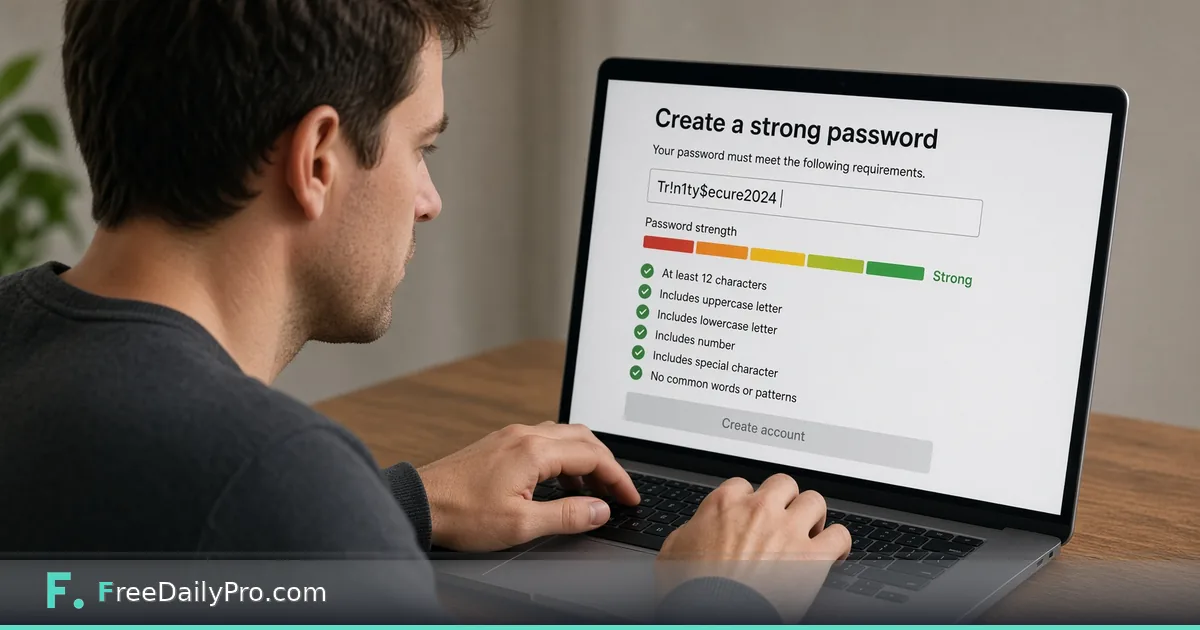
The top half is a checker. Type or paste a password and a bar and label appear, along with an estimate of how long it would take to crack with an offline attack against a slow hash, plus a warning and suggestions when something is wrong. The check does not just count character types; it looks for common words, names, keyboard runs, repeats, dates and swaps such as @ for a. It runs in your browser and the page says nothing is sent anywhere.
The lower half is a generator with a length slider from 4 to 64 characters, defaulting to 16, and switches for uppercase, lowercase, numbers and symbols. It draws characters with the browser's secure random source and makes sure every type you switched on appears at least once. One practical difference: checking what you type is live, while each press of Generate counts as a trial use.
What the checker said about common choices
Here is what the tool returned for a handful of candidates when this post was written. Your results come from the same scoring, but treat these as examples.
"Welcome2026!" scored Fair with an offline crack estimate of about two hours, and the warning said it is similar to a commonly used password. "Summer2026" scored Weak at roughly two seconds, since a season plus a year is one of the first patterns attackers try. "qwertyuiop" and "P@ssw0rd" both scored Very weak, the second with an explicit note about predictable letter substitutions. "aaaaaaaaaaaa" got Very weak with a warning about repeated characters, despite being twelve characters long.
Length alone is not the answer, and neither is a symbol on the end. What the estimator rewards is unpredictability.
Reading the result properly
The label and the time estimate can disagree with your gut. A password such as "Tr0ub4dor&3" scored Very strong, yet its offline estimate was only about four months, which is a short life for a long-lived account. A company-themed phrase such as "Acme-Studio-2026" also scored Very strong with an estimate of around seven years, but anyone who knows where your contractors work can guess the pattern. The estimator does not know who you are, so it cannot penalise a password built from your own employer's name.
A random 16-character string with all four types, or a phrase of four or five unrelated words with a number in the middle, such as maple-river-lantern-ocean-47, scored Very strong with an estimate of centuries. For people who must type a password on a phone, the phrase style is easier to enter without mistakes, and the generator's output is better for a password manager that fills it in.
Steps for the onboarding morning
- Decide what each account needs. A tool that supports a password manager can take 20 random characters; a shared device login that humans type may suit a phrase.
- In the lower section, set the length slider. For stored passwords, 16 or more is a reasonable floor; for anything critical, go to 24.
- Keep all four switches on unless the destination system rejects symbols. If it does, turn symbols off and raise the length instead to make up for it.
- Press Generate. The result appears in the password field, where the checker immediately scores it, and the copy button next to the field sends it to your clipboard.
- Read the estimated crack time and any warning. Generate again if you see anything other than Very strong.
- Put the password where the user will receive it through your normal secure channel, then require a change at first sign-in if the system supports it.
Mistakes that undo the good work
- Reusing one starter password for everyone. If a single person shares it in a chat, the other eleven accounts are exposed.
- Testing a live production password in any tool when a similar one will do. The check runs locally, but a habit of pasting real credentials into web pages is a bad one to teach a team. Test a password of the same shape instead.
- Trusting a strong score as proof the password is safe. The tool's own tip points out it only evaluates patterns, not whether a password already appeared in a data breach, so uniqueness per account matters as much as strength.
- Emailing the generated password in the same message as the username and login link.
- Making symbols mandatory and length optional. A twelve-character password with one symbol is often weaker than a sixteen-character one without.
- Forgetting that the checker reads only the first 100 characters of a very long input. For a passphrase that long, the tool's estimate is still plenty for judging it.
Where this fits among related tasks
If all you need is a bulk of fresh passwords with more control over symbols or readability, the standalone Password Generator is the focused tool, and the guide to generating strong passwords for new accounts covers the habits around it. Other browser-based safety helpers sit in the security tools category.
For a team, a short written rule beats a clever one: random passwords from a manager, a minimum length, and never the same one twice. The strength bar is a useful check on that rule, but the rule does the work.
If you manage logins for a team, which part is hardest to get people to do: using a manager, changing the starter password, or turning on a second factor? Let us know on the contact page.