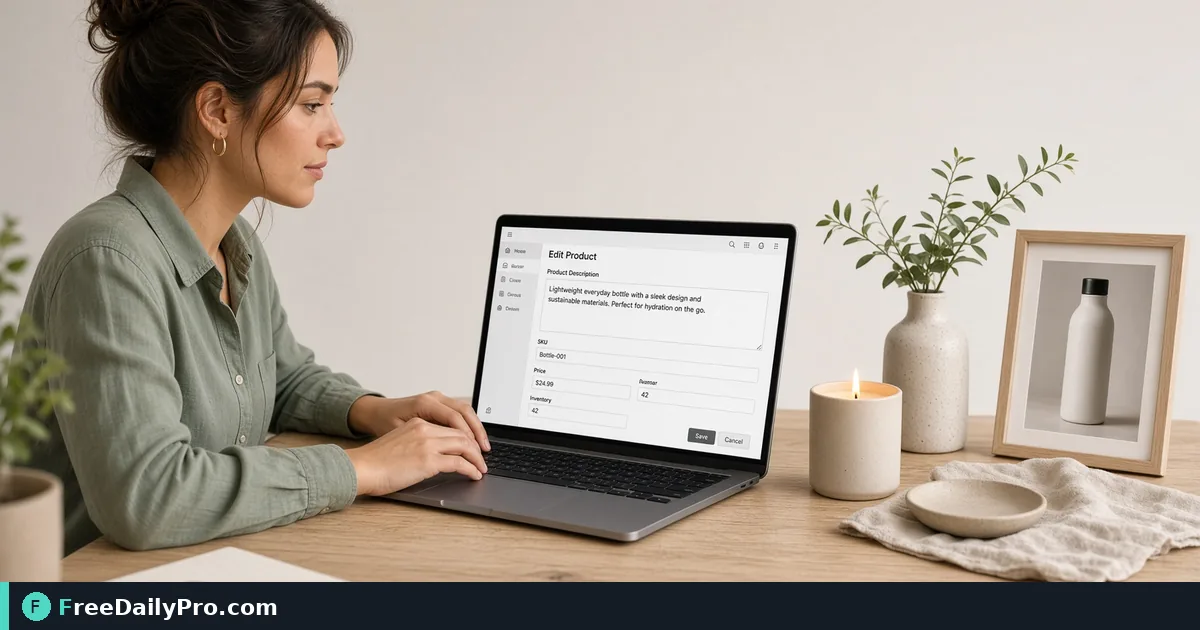
Turn One Product's Facts Into Three Draft Descriptions
Enter features, benefits and audience once and get three draft product descriptions to edit. A dry bag example with the exact wording produced.
You have a new dry bag arriving on Friday and a listing page that needs words by Thursday. You know the facts: seam type, fabric weight, size, who buys it. What you do not have is the half hour it takes to turn those facts into three different paragraphs and decide which sounds best.
The Product Description Generator does that assembly step. You type the name, category, features, benefits and audience once, and it builds three draft structures at the same time. They are templates filled with your own words, so the result is a starting point to edit, not finished copy.
The video below shows the form being filled in.

The five fields and what each one controls
The form opens with a sample product so you can see how the pieces fit. Replace every field:
- Product Name appears in each draft, so type it exactly as it shows on the packaging.
- Category is a short noun phrase such as "waterproof dry bag". It is dropped into sentences, so keep it lowercase and singular.
- Key Features take one per line. Each line becomes an item in a list inside a sentence.
- Key Benefits also take one per line, but they are written as full sentences in the output.
- Target Audience is an optional phrase after "for", such as "kayakers and paddleboarders".
The drafts update as you type. There is no generate button, and each one has its own Copy button, which puts that single draft on your clipboard.
A worked example with a dry bag
Say the product is the Ridgeline 20L Roll-Top Dry Bag. Features, one per line: welded seams in 500D PVC tarpaulin; roll-top closure with buckle; reflective carry handle; 20-litre capacity. Benefits: keeps clothes and a phone dry after a capsize; packs down small in a hatch; easy to spot at dusk.
The Feature to Benefit draft reads: "Meet the Ridgeline 20L Roll-Top Dry Bag, a waterproof dry bag with welded seams in 500D PVC tarpaulin, roll-top closure with buckle, reflective carry handle, and 20-litre capacity, made for kayakers and paddleboarders." The three benefits then follow as short sentences.
The Problem to Solution draft opens with "Not every waterproof dry bag is built to last" and then introduces the product and its features, followed by "What that means:" and the benefits. The Short and Punchy version is the most compact: the product, a short audience tag, each feature as its own fragment, and only the first benefit. Counting words, the three drafts run about 53, 61 and 37 words.
Write features as noun phrases
The way you phrase each line decides whether the sentence reads smoothly. Because features are joined with commas and "and", a feature like "fits a 20-litre load" produces an awkward clause in the middle of the list. "20-litre capacity" slots in cleanly. Aim for noun phrases such as "reflective carry handle", not sentences.
The tool lowercases the first letter of each feature so it sits inside the sentence, but it leaves acronyms and brand-style words alone, so "USB-C" or "UV-rated" will not be turned into "uSB-C". Benefits are not lowercased, which is why you will see "What that means: Keeps clothes..." with a capital K. Either write benefits in lowercase yourself or fix the capital when you edit.
Steps from blank form to listing
- Clear the sample and type the product name and category.
- Add four to six features, one per line, as noun phrases.
- Add two to four benefits as short statements a buyer would say.
- Fill the audience box, or leave it empty if the product is for everyone.
- Read all three drafts and pick the one closest to your brand voice.
- Press Copy on that draft and paste it into your editor.
- Replace the template phrases with something only you can say, such as a real test or a warranty detail.
What to change in every draft
The opener "Not every waterproof dry bag is built to last" is a template sentence. It implies a comparison you may not want to make, so rewrite it or delete it. The "What that means:" bridge is serviceable but flat, so you may prefer to fold the benefits into the sentence before.
Add the facts the tool cannot know: the exact dimensions, what is included in the box, care instructions, and any certification you are allowed to claim. Do not claim a rating, test or award that you cannot document.
Edge cases
If you leave the audience empty, the Feature to Benefit draft drops the "made for" phrase and the Problem to Solution draft says the product is "built differently". With no benefits at all, the benefit sentences simply disappear, so the draft becomes one line long. With no features, the feature lists vanish from all three. Try this with a single feature if you want to see the skeleton the tool works from.
Very long feature lines make the first sentence unwieldy. Split them across lines or trim them before you rely on the draft.
Checking the result before you publish
Paste the final text into Word and Character Counter to check it against your platform's description limits, and run it through Grammar Checker for slips introduced by your edits. If you sell on Etsy, Etsy Title and Tag Checker tests the title length and tag limits separately, since this tool writes the description, not the title or tags.
For wider selling advice, there is a guide to checking an Etsy title and tags before you publish, and more tools sit in the business tools category.
One SKU at a time
The tool keeps nothing between sessions, so for a catalogue keep a spreadsheet of the final text per SKU and paste into the form only the facts that changed. The text is assembled in your browser, and the page includes 2 trial usages a day as part of FreeDailyPro's 300+ professional tools, premium applications and workflow products.
Which part of a listing takes you longest: the opening line, the feature list or the benefits? Tell us on the contact page and we will share a drafting routine that suits it.