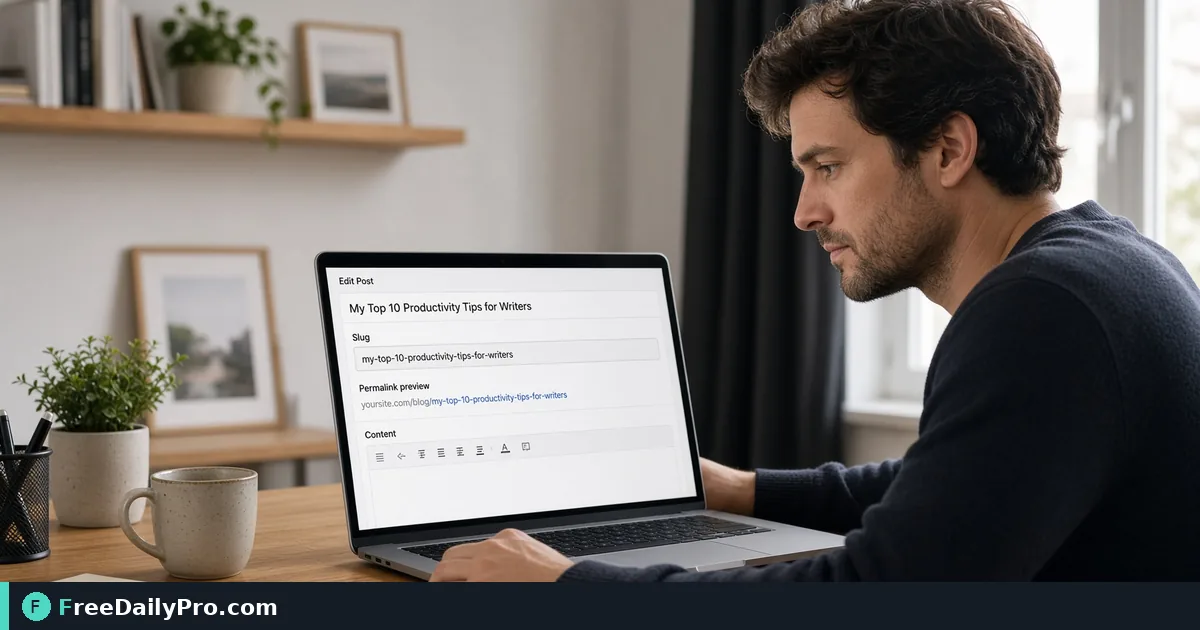
Bulk-Convert Accented Titles Into Safe URL Slugs
Turn a list of recipe or product titles with accents, ampersands and stop words into tidy, length-capped URL slugs.
You have 40 old recipe titles in a spreadsheet, a new site that wants a path for each, and titles full of accents, ampersands and exclamation marks. Typing 40 slugs by hand means 40 chances for a stray capital or a space that turns into %20. Slug Generator converts the whole column at once and keeps the results lined up with the titles.
Quick answer: paste one title per line, set the separator and options, and copy the result list back next to your titles. The conversion happens in your browser as you type. For a single post and the basic rules, our shorter guide on clean blog URLs covers the fundamentals; this one is about batches and awkward characters.
The clip below shows the tool turning a title into a slug.

A six-title batch, and what comes out
Imagine a bakery blog moving to a new CMS. These are the first titles from the sheet:
- Crème Brûlée & Other Café Desserts: A Beginner's Guide!
- 10 Tips for the Perfect Sourdough (2026 Edition)
- Straße Ahead: Münchner Biergarten Rules
- Smørrebrød at Home — The Easy Way
- (a blank row)
- Über-Fast Wi-Fi: Router_Setup Notes
With the tool's defaults (separator "-", Lowercase on, "& → and" on), line 1 becomes creme-brulee-and-other-cafe-desserts-a-beginners-guide. Accents are stripped, the apostrophe disappears so "Beginner's" becomes "beginners", and the colon, exclamation mark and brackets are dropped. Line 3 gives strasse-ahead-munchner-biergarten-rules, because the tool maps the German sharp s to "ss" by hand and strips the umlaut. Line 4 gives smorrebrod-at-home-the-easy-way, since the slashed o is another letter that does not decompose and is mapped to a plain "o".
Line 6 shows two quirks. The hyphen in "Über-Fast" and the underscore in "Router_Setup" both end up as the same separator, so you get uber-fast-wi-fi-router-setup-notes. Underscores are treated as word breaks, not kept. The blank fifth line stays blank, which keeps every later slug on the same row as its title.
Working through the options in order
- Paste the titles into the Text box, one per line. A single title with no line breaks gives a single slug.
- Choose the separator. One character is allowed, so type an underscore or a dot if your platform expects it; an empty box falls back to a hyphen.
- Decide on Lowercase. Leave it on unless your system really is case-sensitive and you need the original capitals.
- Set Max length if the CMS or your own style guide caps paths, for example 40.
- Switch on Remove stop words to drop short filler words (a, an, the, of, and, or, to, in, on, at, for, with, by, is, are).
- Leave "& → and" on if you want the ampersand to survive as a word, or off to drop it.
- Press Copy Result and paste the list beside the titles.
Stop words are removed before the length is measured, which is why the order matters. Title 1 with stop words on becomes creme-brulee-other-cafe-desserts-beginners-guide: the "and" and the "a" vanish, because the ampersand becomes "and" first and is then removed as a stop word. Add Max length 40 and the tool cuts at 40 characters, then backs up to the last separator, leaving creme-brulee-other-cafe-desserts (32 characters). It never ends mid-word.
Choosing between short and complete
The tool does not decide what is best; it applies your settings. A tidy rule of thumb for a recipe or product site is to keep the first three to five meaningful words. Compare two outcomes for title 1. Without stop-word removal and with a cap of 40, you get creme-brulee-and-other-cafe-desserts-a, which ends with a dangling "a". With stop words removed first and the same cap, the cut lands on a complete phrase. If a slug will appear in print or be read aloud, favour the second version. If you need it to mirror the title for editors, skip stop-word removal and raise the cap.
Non-Latin titles and blank results
If a title is in Chinese, Arabic or Hindi, the default settings keep only the letters a to z and digits 0 to 9, so a title with no Latin letters produces a blank line. The tool shows an amber warning with the number of lines it could not convert. A mixed title such as "北京 travel guide" becomes travel-guide with the defaults, but 北京-travel-guide if you switch on Keep non-Latin letters. Whether the extra characters are acceptable depends on your platform; many browsers display them fine but copy them as long percent-encoded strings. For international sites, decide once, then apply the same setting to every row.
Mistakes worth catching
- Changing a published slug without a redirect. The tool will happily produce a new one, but the old address then returns an error unless you set up a 301.
- Expecting duplicates to be detected. Two different titles can produce the same slug, such as "Sourdough Tips!" and "Sourdough Tips". Sort the output with the Text Sorter to spot repeats, or check the list for matching lines before importing.
- Leaving trailing spaces or a stray blank row in the spreadsheet, which shifts the pairing between titles and slugs.
- Using uppercase in a case-sensitive server path, then wondering why a link only works sometimes.
Neighbouring tools for the rest of the job
If a few titles arrive in shouting capitals or odd casing, tidy them first with the Case Converter. For site-wide edits, such as replacing an old folder prefix in an exported list of URLs, Find and Replace is faster than editing by hand. Once the slugs exist, write the page's title and description with the Meta Tag Generator. More utilities of this kind live in the text tools category. Each batch counts as one of your 10 trial usages a day.
Before you import
Spot-check three rows: one with accents, one with an ampersand and one that was cut by Max length. Confirm they match what your CMS will accept, then import. If you later need a different separator for the same batch, re-run the whole list instead of patching rows.
Which messy title list would you like us to walk through next, product catalogues or a multilingual blog? Let us know on the contact page.