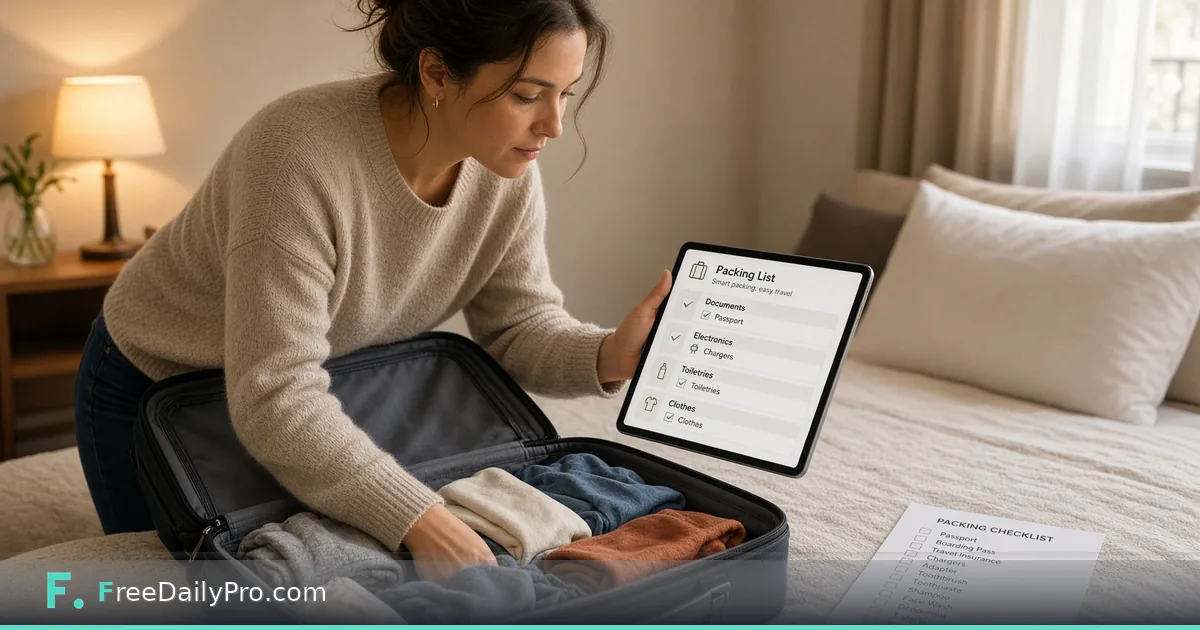
Pack for a 9-Day Work Trip Abroad With One Laundry Stop
Merge trip types into one checklist, add your own items with counts, and check bag limits by hand before you copy the list.
Packing goes wrong in two ways: you forget the one document that matters, or you carry nine days of clothes you never needed. Travel Packing List starts you with a checklist of essentials, lets you stack trip types on top of each other, and keeps your own items alongside. It does not weigh anything or count shirts, so a couple of steps stay in your hands.
The clip below shows a checklist being created.
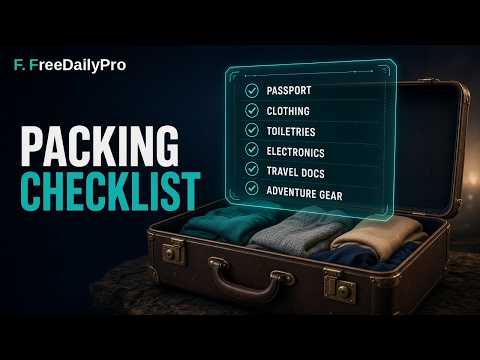
What the tool actually gives you
Every list begins with five essentials: phone charger, toiletries, medications, ID or passport, and cash and cards. On top of that you pick presets: Beach adds 8 items, Business 7, Camping 8, International 5 and Winter 7. You may select several at once, and the tool merges them and drops duplicates, so a phone charger or travel adapter appears once. You can also create a named trip type of your own, such as Ski Trip or Wedding Guest, and fill it with whatever you like.
Each item is a plain line with a tick box. There are no quantity or weight fields. A line is just text, which means you put any number in the name: "5 tops", "Laundry sheets (4)".
The case: nine days, a conference, one wash
Here is a hypothetical trip. A person flies abroad for a conference, with four working days, three days of sightseeing and two travel days. Airline cabin rules vary and change, so say this airline allows one cabin bag of 7 kg. Working backwards from that limit is the real task.
Select Business and International. The combined list shows 15 lines: five essentials, six Business items not already covered, and four International items. Phone charger is in both Business and the essentials, and travel adapter is in both Business and International, which is why the total is 15 rather than 17. Add Beach only if you really expect a beach day; with it the list would reach 23.
Doing the laundry arithmetic
The planner cannot decide how many clothes to bring, but it can hold the answer. Nine days with one planned wash on day five means packing for five days, not nine. A simple count: 5 tops, 3 bottoms that mix and match, 6 pairs of socks and underwear (one spare), 1 formal outfit for the conference, 1 light jacket, and a small pack of laundry sheets. Add each as its own line with the number in the name. The list now has the number of items you actually decided on, and a glance at the "x of y packed" line under the list tells you how far along you are.
If you travel with the same kit often, create a custom trip type called Conference Abroad. While it is the only selected type, anything you add belongs to it, and it stays available for the rest of the session. Built-in presets cannot be edited, which is why making your own is the way to keep a tailored base list.
Steps
- Pick one or more trip types from the buttons at the top. Toggle a type off to remove its items.
- Read the merged list top to bottom once and delete nothing you are unsure about; add rather than remove.
- Type your own items with quantities in the add box and press Enter.
- Weigh the bag with the items you have gathered. The page does not know the limit, so this check is manual.
- Tick items as they go into the bag. The counter shows how many are packed.
- Use Copy List to paste the list into a message or notes app. Each line starts with [x] or [ ].
Tick marks follow names, not trip types
If two trip types contain an item with the same name, ticking one ticks both, because ticks are stored by item name. That is usually what you want for a passport. It becomes confusing if you reuse the list for a second trip, since the ticks from the first trip remain. Press Untick all before planning the next trip. It clears every tick but leaves your selected types and added items in place.
Common mistakes
Selecting every preset "just in case" produces a list longer than the bag allows. A better approach is to pick the two types that describe the trip and write down any unusual needs yourself. Another trap is trusting the presets as complete: the Winter list has seven items and no mention of socks, and the International list does not include an eSIM, a power bank or local currency. They are starting points.
Documents deserve a second look. The International preset reminds you of visa documents, copies of documents and travel insurance information, but only you know whether the destination needs a specific entry permission, and requirements change, so confirm them with official government sources before you travel.
Finally, do not leave the checklist until the morning of departure. Finishing it a day or two before gives you time to buy what is missing.
Where the list lives
The list is kept in the browser tab for this visit only and is erased when you close it. The backup bar saves a file containing your ticks, your own items and your custom trip types, and Restore loads it back, which is useful if you pack over two evenings. Copy List counts as one of your 2 trial uses for the day; ticking and adding do not.
Pair it with the rest of the trip
Once the list is done, the Travel Itinerary Planner turns the nine days into dated cards where ticket times and addresses belong, and the Travel Countdown & To-Do Planner tracks the weeks-before tasks such as visas and bookings. For a deeper look at a single bag, see packing for a trip. The wider set is in the travel tools category.
A final bag check
Put the bag on a scale at home, with the items from the list and the electronics you will carry on the day. Leave a margin of a few hundred grams for souvenirs and an extra layer. Check that every medication and every document is ticked. Then copy the list one last time so you can find it quickly if the bag is lost.
Which trip would you like a ready-made packing example for: a ski week, a wedding weekend or a long family visit? Tell us on the contact page.