Stitch Voice Memos Into One Clip With Natural Gaps
Combine three phone voice memos into a single file, order them with the arrows, add a half-second pause and know what the output will be.
Say you walked a client's kitchen site and dictated three separate voice memos on your phone: a 1:42 overview, 3:15 of measurements and a 0:58 wrap-up. Sending three attachments invites a "which one first?" reply. Audio Merger joins them into one file, in the order you choose, with an optional pause between parts.
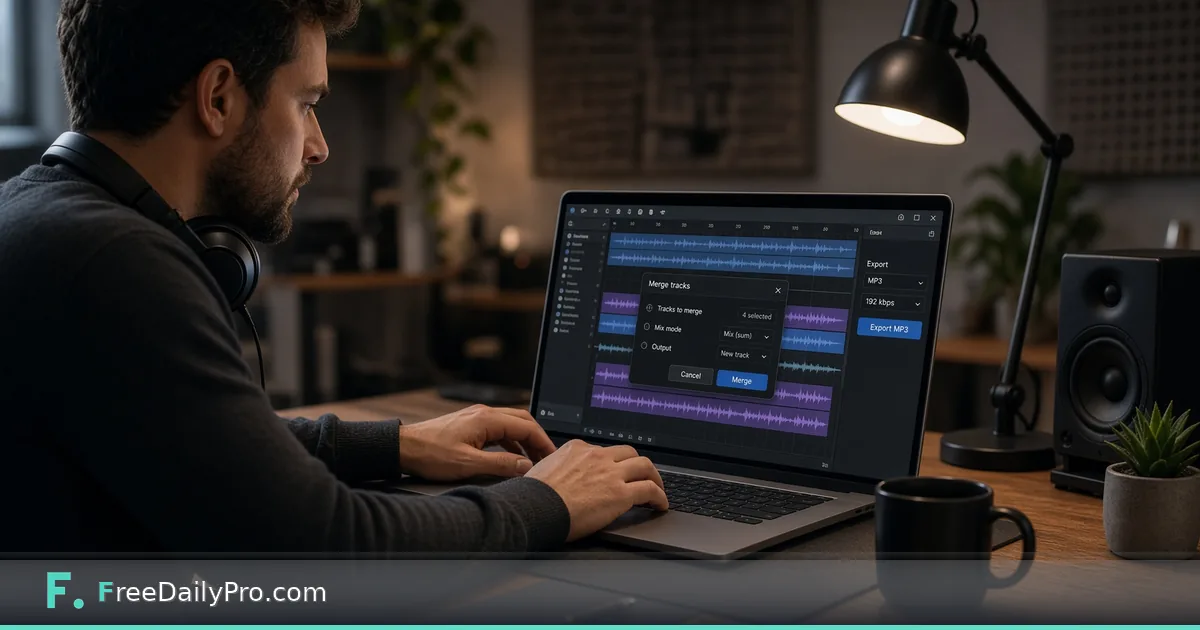
The quick route is to add the clips, fix their order with the arrow buttons, pick a gap length and an output format, press Merge Audio, then listen to the join points before you send anything.
Get the order right before you drop anything
Clips are joined in the order they appear in the list, and that order comes from how the files were added. When you select several files at once, many systems hand them over alphabetically or by an unpredictable rule. Phone memo names like "New Recording 14" sort badly against "New Recording 9".
Rename the three files with number prefixes first, such as 01-overview, 02-measurements and 03-wrapup. Then add them. If a clip still lands in the wrong place, each row has an up arrow and a down arrow, plus an X to remove it. The tool also skips an exact duplicate (same name, size and modified time) and tells you it did, which saves you from a clip that plays twice.
Steps in the tool
- Drop the clips or choose them. Each row shows its number, name, size and length, such as 1:42.
- Reorder with the arrows. Keep the clip whose name should label the result at the top, because the download name comes from the first file.
- Under "Silence between clips" choose None, 0.5 s, 1 s or 2 s. The pause is added after every clip except the last.
- Choose an output format. "Same as first file" is the default; MP3, WAV, OGG, M4A and FLAC are also offered.
- Check the "Total length" line. With three clips of 1:42, 3:15 and 0:58 and a 0.5 s gap, the total reads 5:56, because the two gaps add one second to 5:55.
- Press Merge Audio, preview the result and download. With the first file named 01-overview.m4a, the download is 01-overview-merged.m4a.
The button stays disabled until at least two clips are in the list, while a merge is running, and when the combined size is over the limit. That limit applies to all clips added together, not each one separately: 50 MB during trial use and 200 MB on a paid plan.
What decides the quality of the joined file
Every clip is decoded on its own and the whole sequence is encoded once. For MP3, OGG or M4A output, the bitrate is estimated from the first clip's size and duration, rounded down to a standard step. A first memo recorded at a modest bitrate therefore sets the ceiling for the whole file, even if a later clip was recorded better.
If the first clip is a WAV or FLAC and you pick a lossy output, 192 kbps is used. If you choose WAV or FLAC as the output, nothing is thrown away at the encode step, but the file will be large. Mixed sources are fine: an M4A from a phone and a WAV from a recorder can sit in the same list.
Choosing the pause
A pause of zero suits clips that were recorded as one continuous take and split only for convenience. Half a second feels like a natural breath between topics. One second works for separating sections a listener will want to think about. Two seconds is a deliberate break, suited to a voicemail-style recap where each part is a different subject.
You cannot set a different gap for each junction. If the overview should flow straight into the measurements but the wrap-up needs a long beat, merge the first two clips with no gap, then merge that result with the wrap-up using a longer gap in a second pass. It costs another run, so plan the structure on paper before you start.
Worked example, start to finish
Take the kitchen memos. The overview was recorded outdoors and is quiet; the measurements were indoors and louder; the wrap-up was in the car. After merging with a 0.5 s gap you play the result and notice the volume jumps at 1:42 and again at 5:00. That is the cue to run the file through Audio Normalizer, which targets a consistent loudness; its podcast preset aims for -16 LUFS.
If the car section opens with a long silence while you found your notes, cut it before merging, using Audio Trimmer on that one clip. Fixing a single clip is faster than hunting for the right second inside a 5:56 file. When the client wants MP3 and your merged output is M4A, a final pass through Audio Converter handles that.
Mistakes to watch for
Merging before cleaning is the usual regret: a hiss that was mild in each clip is just as present in the combined file, and you will have to rework the whole thing. Another is trusting the first clip's format without thinking. If the first file is a low-bitrate voice memo and the rest are high quality, choose an output format or put a better clip first so the quality is not dragged down.
People also forget that the tool joins clips end to end. It does not overlap them, crossfade them or lay music under speech. For a spoken brief that is exactly what you want, but for a podcast intro with a music bed you need a full editor. Finally, remember that your original memos stay untouched on your device. Keep them until the client confirms the merged version is complete.
Privacy and trial uses
The merge runs in your browser. The first use downloads a processing engine of about 25 MB from a public content network, and after that the clips are not uploaded anywhere. A trial use is logged when you press Merge Audio, not when you add files, so adding clips across several drops or removing a duplicate does not burn extra uses.
For other jobs on the same shelf, the audio tools category lists the rest, and the write-up on cleaning noisy voice recordings is a good first stop when the memos were captured in a loud place.
Are your merges usually two clips or twenty, and do you need different gaps at each join? Tell us on the contact page, because that decides what we would want to explain next.