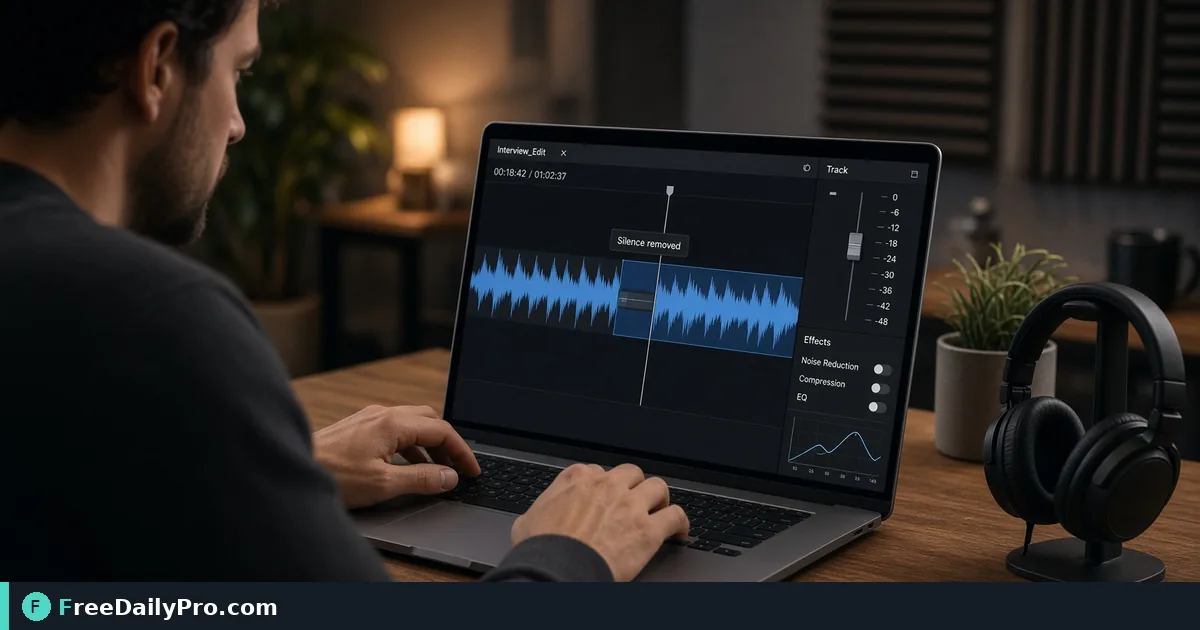
Tighten a 28-Minute Interview by Cutting Dead Air
Remove long pauses from interview audio with the right threshold, minimum length and pause setting, then check the edit by ear.
Recorded interviews are padded with gaps: the guest thinking, the host scrolling to the next question, a chair creaking while both wait. Cut them all by hand and you spend an evening zooming into waveforms. Silence Remover finds every quiet stretch above a length you choose and removes or shortens it in one pass, right in your browser.
The short version: set a threshold just above your room's background level, choose how long a gap must be before it counts, decide whether to delete pauses or keep a short one, then listen to the preview before you download. The clip below demonstrates the tool on a voice recording.

What the three controls mean
Silence Threshold is a level in decibels, from -60 to -15 in steps of 5, starting at -35. Audio is examined in 20-millisecond windows, and a window counts as silent when its loudest channel is below the threshold. A more negative number is stricter, calling only very quiet audio silence. -15 would treat most soft speech as silence, which is far too aggressive for interviews.
Minimum Duration runs from 0.2 to 2 seconds in 0.1 steps, starting at 0.5. A quiet stretch must last at least this long to be touched. Short gaps between words stay, which is what keeps speech from sounding rushed.
Pauses decides what happens to qualifying gaps: remove them completely, or shorten to about 0.3, 0.5 or 1 second. When removing completely, the tool still keeps about 0.15 seconds of quiet on each side of the speech so that word edges are not clipped.
Auto threshold, and why it helps
Guessing a decibel value is the hard part. The Auto threshold button decodes your file in the browser, estimates the background noise from its quietest parts, adds 10 dB, rounds to a multiple of 5 and keeps the result between -60 and -15. A message tells you the noise level it found, for example "Background noise is about -52 dB, so the threshold is set to -40 dB." Use that as your starting point, then adjust by ear.
A noisy recording raises the floor and makes the threshold less useful. If there is steady hiss or hum, clean it first with Noise Remover, then measure again.
A worked example, with stated assumptions
Say you recorded a 28-minute interview, which is 1,680 seconds. Suppose there are 74 gaps longer than 0.5 seconds, averaging 5 seconds each, a total of 370 seconds of dead air. These numbers are illustrative, but the arithmetic is what you will see in the tool's summary line.
Option one: Shorten to about 0.5 s. Each of the 74 gaps drops from about 5 seconds to 0.5, leaving 37 seconds of pause. You save 333 seconds, and the file goes from 28:00 to 22:27, since 1,680 minus 333 is 1,347 seconds. The tool's summary shows the same kind of line: original length, new length and the number of pauses removed.
Option two: Remove completely. Each gap shrinks to roughly the 0.3 seconds left by the two 0.15-second edges, about 22 seconds in total, so the file lands near 22:12. That is only 15 seconds shorter than option one, yet the speech sounds much more clipped, since breaths and natural beats are gone. For conversation, the 0.5-second option almost always sounds better.
Steps in order
- Drop your audio file onto the drop zone. The tool reads common audio formats.
- Press Auto threshold, or move the slider yourself.
- Set Minimum Duration. Start at 0.5 and raise it to 1 second if you only want to remove obvious dead air.
- Choose a Pauses option. Shorten to about 0.5 s is a sensible default for talk.
- Press Remove Silence. A progress bar appears while the audio engine loads and the file is processed.
- Read the summary line and play the preview that appears below the result.
- Download. The file is named with a
desilenced_prefix. Use New to start a different file.
What you will hear when settings are wrong
If the cut sounds jumpy, the minimum duration is too short or the pause setting too tight; raise the duration or shorten to 0.5 or 1 second instead of removing. If words are chopped at the start, the threshold is too high, so make it more negative. If nothing changes, the tool tells you no silence of that length was found and suggests a shorter minimum or a higher threshold. If everything vanishes, the whole file is below the threshold and you need a lower number.
Check three spots by ear rather than the whole file. Listen at the beginning, at a place where the guest paused to think, and at a laugh or emotional moment. Those are where over-editing hurts most. A long thoughtful silence before an answer is sometimes the best part of an interview, so leave it if it carries meaning.
What this tool does not do
It removes quiet, not filler words. It will not cut "um" or a loud cough, and it cannot separate two speakers talking over each other. It also does not change loudness, so run Audio Normalizer afterwards if the guest is much quieter than the host. To remove a lead-in or outro, use Audio Trimmer, and find more options under audio tools.
Output keeps the family of your source: WAV stays WAV, FLAC stays FLAC, M4A-type files become M4A, OGG-type become OGG, and other files become MP3. The kept audio passes through a temporary 16-bit WAV, so a compressed file is encoded once more. Keep your original recording untouched, and work from a copy for any edit you may want to redo.
Mistakes to avoid
- Removing pauses completely on conversational audio.
- Running the tool before cleaning a noisy recording.
- Judging the result from the summary alone. Always listen.
- Using a minimum above 1 second and expecting short stumbles to vanish.
- Editing the only copy of the file.
If you are preparing an interview for a written piece rather than a podcast, shorter audio also saves transcription time. The edit runs on your device, so the recording is not uploaded, which matters for confidential interviews.
How long are the interviews you usually need to tighten, and which kind of pause gives you the most trouble? Tell us on the contact page.