Base64 Encode and Decode: Padding, URL-Safe Mode, Basic Auth
Encode a Basic Auth header, see why padding and URL-safe output differ, and decode a token header, with the gotchas that trip up developers.
You are testing a staging API that wants an HTTP Basic Authorization header, and your test username and password need to be joined with a colon and encoded. Yesterday the curl command worked and today it does not, and you cannot tell whether the string is wrong. Base64 Encode / Decode lets you see exactly what a given text turns into and what an unfamiliar string contains.
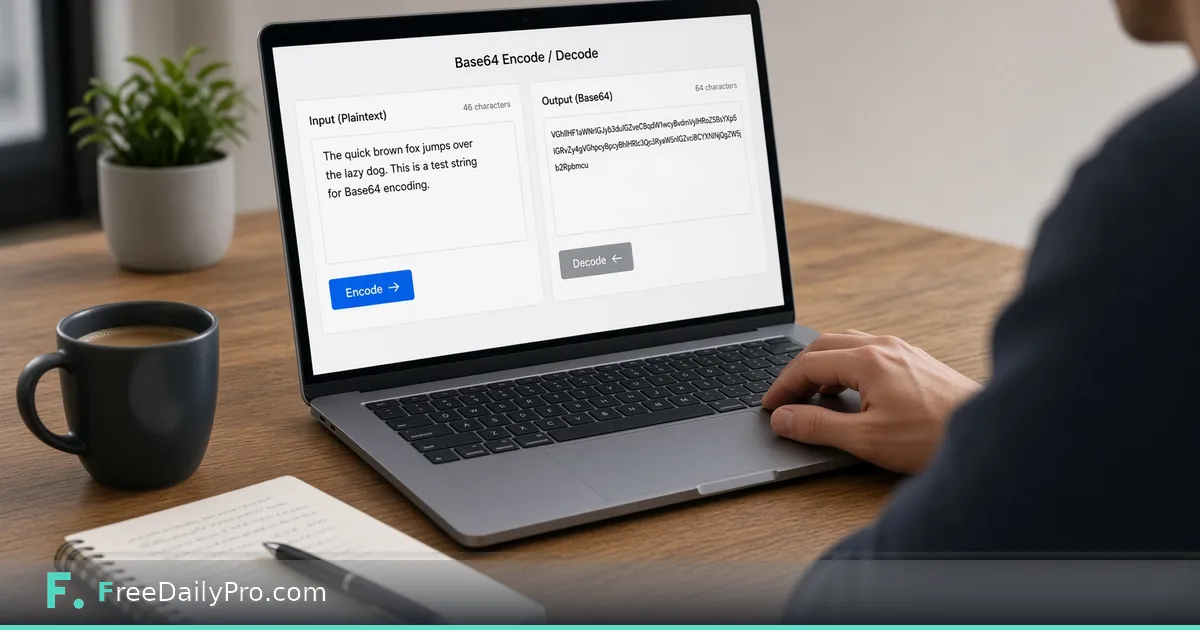
Paste text, press Encode or Decode, copy the result. There is one checkbox, for URL-safe output, and the rest of this guide is about when that checkbox matters.

What Base64 actually does
Base64 turns bytes into text made of 64 safe characters: A to Z, a to z, 0 to 9, plus and slash. Every 3 bytes become 4 characters, so the encoded text is about a third larger than the input. When the byte count is not a multiple of 3, one or two equals signs are added at the end as padding.
It is a format, not a lock. Anyone can reverse it in seconds, which is why it appears in headers, data URLs and token parts, but never as protection for a password. Treat an encoded credential exactly like the plain one.
Worked example: a Basic Auth header
The test credentials are api_user and pa55word?, joined as api_user:pa55word? with no spaces. Paste that into the input box and press Encode. The output is YXBpX3VzZXI6cGE1NXdvcmQ/ and the header you send is Authorization: Basic YXBpX3VzZXI6cGE1NXdvcmQ/.
That string is 18 bytes, a multiple of 3, so there is no padding. The final slash is a normal Base64 character here, because we did not tick the URL-safe box. Now run it the other way: paste the encoded string, press Decode, and you get the original text back, which is a quick way to confirm that a colleague's header holds the credentials you think it does.
Standard versus URL-safe output
Standard Base64 uses plus and slash, which have special meaning in URLs and file names. The URL-safe variant swaps them for minus and underscore and drops the padding. Tick the checkbox labelled "URL-safe Base64 when encoding" and the same input gives YXBpX3VzZXI6cGE1NXdvcmQ_ , with an underscore where the slash was.
A short test string shows the swaps clearly. Encoding ???>>>~~~ gives Pz8/Pj4+fn5+ in standard mode and Pz8_Pj4-fn5- in URL-safe mode. Use the URL-safe form when the value goes into a query string, a path segment or a JWT part. Use the standard form for headers such as Basic auth and for MIME-style contexts.
For padding, take the text héllo ✓. In UTF-8 it is 10 bytes, so the standard output is aMOpbGxvIOKckw== with two equals signs, and the URL-safe output is aMOpbGxvIOKckw with none.
Steps in the tool
- Type or paste the input into the Input box. It can be any text; the tool converts it as UTF-8, so accented letters, other scripts and emoji work.
- Decide whether you need URL-safe output and tick the box if so. The box only affects encoding.
- Press Encode to turn the text into Base64, or Decode to go the other way.
- Read the Output box, then press Copy.
Decoding is forgiving. It accepts standard or URL-safe characters, strings with the padding missing, input with line breaks or spaces, and a pasted data URL that starts with data: and a type before the encoded part. If the characters are not valid Base64, you get an "Invalid Base64" message instead of garbage.
Decoding a token header
Base64 is also how a JSON Web Token carries its header. Paste eyJhbGciOiJIUzI1NiIsInR5cCI6IkpXVCJ9 into the input and press Decode. You get {"alg":"HS256","typ":"JWT"}, which tells you the token is signed with HMAC SHA-256. The string has no padding because tokens use the URL-safe form, and the tool takes that without complaint.
This only reads one part. To see the claims in the payload, check an expiry time or compare the three parts side by side, JWT Decoder is the right tool, and the guide on debugging tokens with it walks through typical failures.
Gotchas that waste an afternoon
The classic one is a trailing newline. Run echo to produce a string in a terminal and a newline is added; pasting api_user:pa55word? followed by a line break gives YXBpX3VzZXI6cGE1NXdvcmQ/Cg== instead, and a trailing space gives YXBpX3VzZXI6cGE1NXdvcmQ/IA==. Both look almost identical to the correct one and both fail authentication. If your encoded value ends in Cg==, suspect a hidden newline.
Another is decoding something that was never text. A Base64 string that holds an image or a zip decodes to bytes that are not valid UTF-8, and the tool tells you the decoded bytes are not valid text and are probably binary. This tool handles text only, so use the Universal File Converter when the goal is to turn an image into Base64 text. A third is double-encoding: if the decode output still looks like Base64, it was encoded twice, so decode again.
Neighbouring tools
If the value you are building belongs in a URL, percent-encoding is a separate step handled by URL Encoder. If you need a fingerprint to compare two strings or files, a hash does that and Base64 does not; use Hash Generator. All of these sit in the security tools category.
Privacy and trial uses
The conversion happens in your browser and the text is not sent to a server by this tool. That said, avoid pasting real production secrets into any web page, and rotate a credential if it has been pasted somewhere it should not have been. Each press of Encode or Decode counts as one trial use for the day.
Which encoding step do you run most often: headers, data URLs or token parts? Tell us on the contact page and we will write the next walkthrough around it.