Get Code Points and HTML Entities for Emoji Your CMS Strips
Paste an emoji and copy its Unicode code points, HTML entities, JavaScript, CSS and Python escapes, then fix the heart that loses its colour.
You publish a newsletter headline with a rocket in it, save the page in your CMS, and the rocket turns into a question mark. Or the red heart you typed arrives as a flat black outline. Emoji Unicode Converter shows what is actually inside an emoji so you can write it in a form your system accepts.
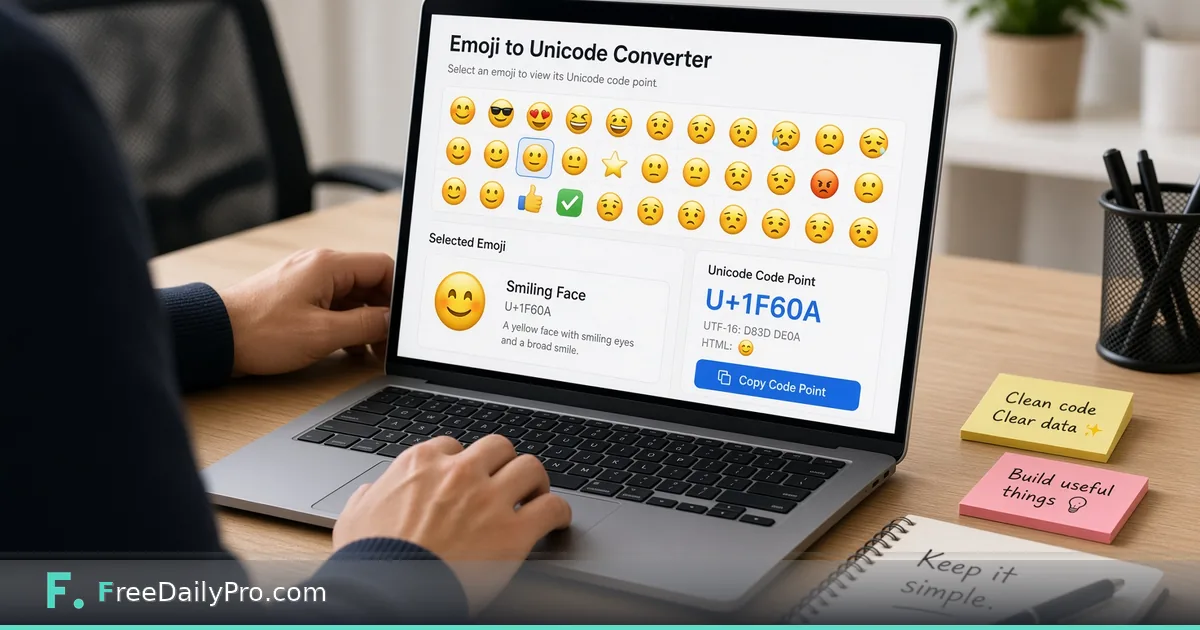
The overview clip below shows an emoji pasted in and the code rows appearing.

What appears when you paste an emoji
Type or paste into the box, which starts with three examples (a grinning face, a rocket and a heart). Each emoji gets its own card with its official name, its code points in the U+ notation, and seven copyable rows: HTML decimal, HTML hex, JavaScript, JavaScript as UTF-16 pairs, CSS, Python and UTF-8 bytes. Click a row and that exact string is copied.
For the rocket the rows read as follows. Code point U+1F680. HTML decimal 🚀, HTML hex 🚀, JavaScript \u{1F680}, UTF-16 pairs \uD83D\uDE80, CSS \1F680, Python \U0001F680, and UTF-8 bytes F0 9F 9A 80. Those four UTF-8 bytes are the key to the next section.
Why a CMS or database drops an emoji
Most modern emoji, the rocket included, sit above the first 65,536 Unicode code points, and in UTF-8 they take four bytes. Some older systems store text in a three-byte-per-character mode, a well-known case being a database column or connection set to a three-byte flavour of UTF-8. When a four-byte character is written to it, the character is replaced, truncated or the whole save fails. Seeing F0 9F 9A 80 for the rocket confirms you are dealing with a four-byte character, which is the clue to ask the developer or host whether the field supports four-byte text.
An HTML entity sidesteps the problem. If you write the decimal entity 🚀 into the source of the page, the stored text contains only plain ASCII, and the visitor's browser draws the rocket anyway. That is why a CMS that "strips emoji unless you store entities" can still publish them.
Worked case: the heart that lost its colour
Paste the red heart and the card shows two code points joined into one character: U+2764 followed by U+FE0F. The first is the heavy black heart symbol. The second is an invisible variation selector that asks for the coloured picture version. The card notes that two code points are joined into one character.
If your system strips the invisible second code point, you are left with U+2764 alone, which many fonts draw as a plain dark glyph. That is the exact cause of the "my heart went black" complaint. The HTML decimal row for the heart is ❤️, and keeping both entities, not just the first, preserves the coloured form.
Other multi-part emoji
The converter keeps a sequence together as one character and lists every code point inside it. A thumbs up with a medium skin tone is two code points, the base hand followed by a skin-tone modifier. A national flag is two regional indicator letters, so the US flag is a pair that spells the country code. Keycap digits and family or profession emoji are longer sequences joined by an invisible joiner character. Seeing the count on the card tells you why one "character" can take more room than you expected.
Steps
- Pick the emoji you need in Emoji Picker and copy it, or paste it from your source document.
- Paste it into the converter box. Several emoji at once are fine; each gets its own card.
- Read the name and the code points to confirm you pasted the intended character.
- Choose the row that matches where it will live: an HTML entity row for page source or a CMS that strips glyphs, JavaScript for a string in a script, CSS for a content property, Python for a string in a script.
- Click the row to copy, paste it into your destination and view the saved page.
- Check the result on both a phone and a desktop browser, because drawings differ by platform.
Every copy counts as one trial use, so decide the destination before clicking, and copy only the row you need.
Mistakes and how to spot them
Copying only the first entity of a two-part emoji. The picture is then wrong or monochrome. If an emoji's card says more than one code point, take all of them.
Using the CSS row without its escape logic. CSS escapes end with a space-terminated number, which is why the row for the heart reads \2764 \FE0F with a space between them. Remove the space and the next character can be swallowed into the escape.
Mixing up UTF-16 pairs with code points. The pairs row is how older JavaScript string handling sees the character; the plain row with braces is the modern form.
Expecting two-way conversion. This tool goes from emoji to codes. To turn existing entities back into text, the HTML Entity Encoder / Decoder is the right companion, and our guide to the HTML entity converter explains the everyday cases.
Fixing the symptom, not the column. If the database really is in three-byte mode, entities are a patch. Ask whoever runs it whether the field can be switched to a four-byte setting.
Privacy and limits
The conversion runs in your browser as you type. The only extra thing the page loads is the emoji name dataset, which is bundled with the site and fetched only on this page, so what you paste is not sent anywhere to be looked up. Official names are shown when the dataset is available.
The tool does not detect what your CMS does; it only tells you what the characters contain. A rendering problem that survives entities usually points at the font on the visitor's device, not at your code. Browse the animation tools category for related text and emoji utilities, and the earlier guide on searching emoji for headings covers choosing the symbol first.
Which system keeps eating your emoji, a CMS, an email platform or a database field? Let us know on the contact page.