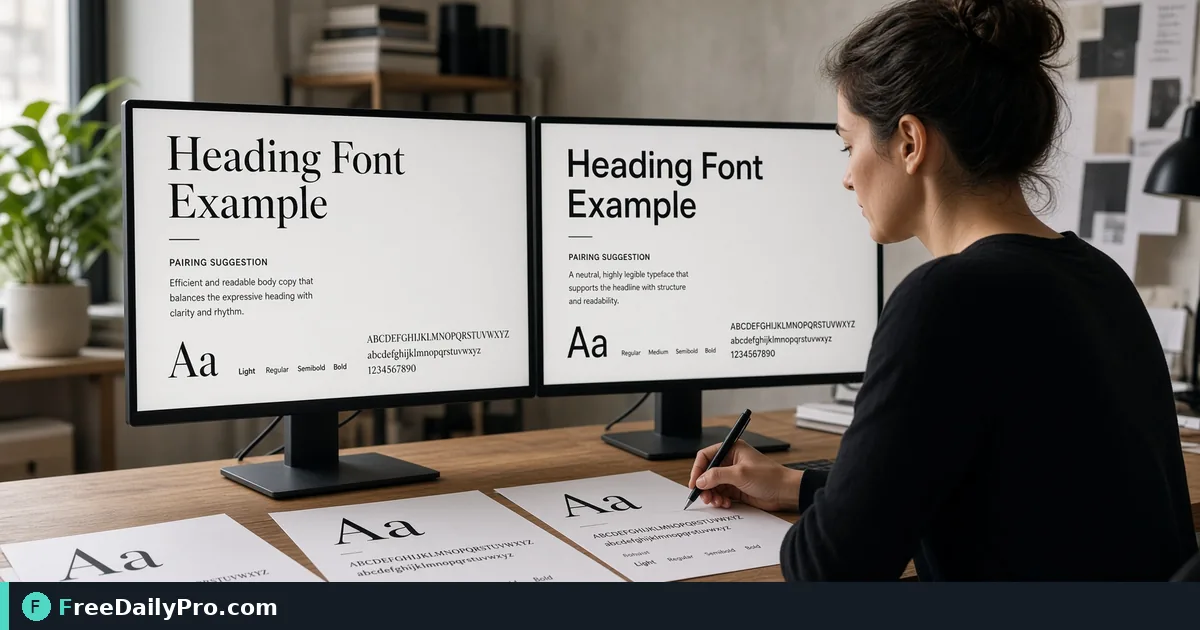
Choose Heading and Body Fonts With Ready-to-Paste CSS
Preview 11 heading and body pairings with your own text, then copy the font-family CSS and Google Fonts import for a site.
Most typography trouble on a young site is not choosing a bad font; it is choosing two good ones that compete. Font Pairing Tool shows eleven curated heading and body combinations rendered with your own words, and copies the CSS for the one you pick.
The video shows previewing and copying a pairing.

What the page offers
Each card pairs a heading family with a body family and labels the mood. Times New Roman with Arial is the classic print look. Playfair Display with Source Sans 3 is editorial. Poppins with Inter is clean and modern, Montserrat with Merriweather gives a bold heading over a readable body, Oswald with Open Sans leans strong and condensed, Lora with Nunito Sans is warm, Raleway with Roboto is minimal, Abril Fatface with Lato is fashion-like display, Space Grotesk with Work Sans suits tech, Cormorant Garamond with Karla is refined, and Bebas Neue with Rubik is poster-style.
Two text boxes at the top, Heading Text and Body Text, replace the placeholder copy on every card. That is the feature that matters: a font that looks elegant on "The quick brown fox" can fall apart on your real headline.
A worked case: a consulting firm's landing page
Say the page headline is "Plain-language tax planning for freelancers" and the first paragraph runs three sentences. Type both into the boxes. Now scan down the list.
Abril Fatface sets that long headline in huge, heavy letters; it works for a two-word title, but at seven words it shouts. Bebas Neue is all capitals, so a sentence-length headline becomes hard to scan. Playfair Display holds up and pairs well with Source Sans 3 body copy because the two differ in structure: a high-contrast serif against a plain sans. Poppins and Inter also work if the brand is more product than publication.
You choose Playfair Display and Source Sans 3. Press Preview CSS to see exactly what Copy CSS will give you:
/* Heading */
font-family: 'Playfair Display', serif;

/* Body */
font-family: 'Source Sans 3', sans-serif;

/* Google Fonts import */
@import url('https://fonts.googleapis.com/css2?family=Playfair+Display:wght@600;700&family=Source+Sans+3:wght@400;500&display=swap');
Paste the import at the top of your stylesheet, assign the heading line to h1 to h3 and the body line to body or p, and the page now matches the preview.
Steps
- Replace the two sample texts with your real headline and a representative paragraph.
- Scroll the eleven cards and shortlist two or three.
- Check each at the width your visitors will have, including a phone.
- Use Preview CSS to read the code before copying it.
- Press Copy CSS. This counts as one of your 10 trial usages for the day.
- Paste into your stylesheet, then reload and compare against the preview.
Weights and the import line
The preview loads weights 400, 600 and 700 of every family, but the copied import is trimmed: 600 and 700 for the heading and 400 and 500 for the body. If your design needs bold body text, add 700 to the body family in the import, otherwise the browser will synthesise a fake bold. Single-weight faces such as Abril Fatface and Bebas Neue are requested without a weight list, since asking for weights they lack makes Google reject the whole request.
The Times New Roman and Arial pairing gets a comment instead of an import, because both ship with most devices.
Where fonts and your text go
The page adds one stylesheet link to Google Fonts for the ten web-font pairings, so your browser downloads the faces from Google's servers. The words you type in the two boxes only change what is drawn on the cards in your browser; the font request names families and weights, not your text. If you would rather not call Google from your live site, download the font files and host them yourself with @font-face after checking each family's licence. This tool does not generate or bundle font files.
Mistakes the preview helps you catch
- Two display faces together. When both headline and body have strong personality, neither wins.
- Choosing by the name of the font, not by a paragraph of real copy at 16 pixels.
- Ignoring length. Narrow condensed faces such as Oswald suit short headlines; long ones need a face with more width.
- Importing weights you do not use, which slows the first paint.
- Forgetting fallbacks. The copied CSS already adds serif or sans-serif so the page stays readable while fonts load.
A rule of thumb from the tool's own guidance: pairing across categories, such as a serif heading with a sans body, tends to work better than pairing two similar fonts that are almost but not quite the same.
Pull the rest of the brand together
Typography reads best when the colours behind it have enough contrast. Convert a brand colour into the exact format your CSS needs with Color Converter, and build a soft hero background with Gradient Generator. More visual utilities are listed in the design tools category.
A last check before launch
Print the page to PDF and read the first screen at arm's length. If the hierarchy is obvious without reading a word, headline first, subhead second, body third, the pairing is doing its job.
Which pairing mood fits your brand, and which one would you like to see added to the list? Tell us on the contact page.