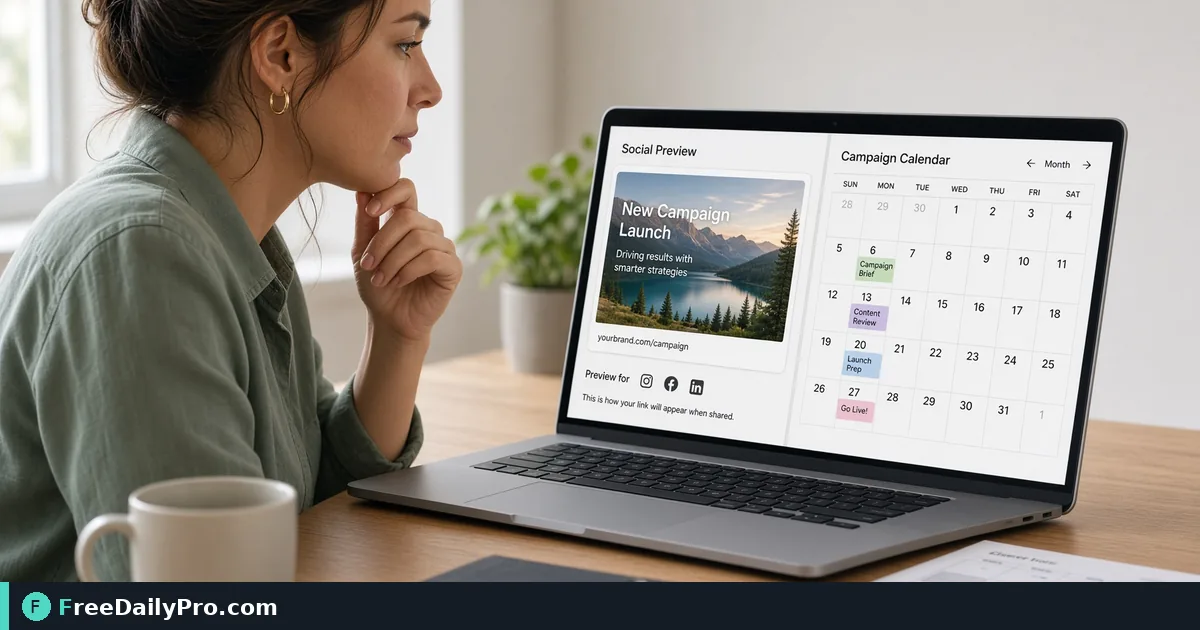
Preview Open Graph and X Cards Before a Campaign Link Goes Out
Check how a link's title, description and image will look on Facebook, LinkedIn and X, fix long text and bad crops, and save the preview.
You are about to schedule the launch post. The link is the whole point of it, and the card that appears under the text, a title, a description and a picture, is what people will actually judge. If the picture is missing or the title is cut off in the middle of a word, the post underperforms and you only find out after it is live. Open Graph & Twitter Card Preview shows both card styles from the values you give it, before anyone else sees them.
The clip below shows the fields and the live preview.

What you can do in the tool
There are two ways to fill the card. You can type a title, a description, a page URL and an image, and the preview updates as you go. Or, under Check a live page, you can paste the address of a published page and press Read tags. That button sends the address to this site's server, which requests the page, reads its share tags and sends them back to fill the fields. The page is not stored. Typing into the fields is local to your browser.
Two cards render side by side. One is a Facebook and LinkedIn style card with a 1200 by 630 image area, and the other is the X card with a wider 2 to 1 image area. Each has its own Download as JPG button, and Download Both as PDF produces a two-page file, the first page with the Facebook-style card and the second with the X card, each embedded as an image.
A worked example: a launch page with a long title
Say your studio's spring release page has this share title: Spring Release 2.0: Faster Exports, New Templates and Team Folders for Studios. That is 78 characters. Read tags on the live page would flag it: The title is 78 characters; most networks cut it around 60 to 70. A trimmed version, Spring Release 2.0: Faster Exports and Team Folders, is 51 characters and fits whole.
The description is the same story. A 219-character version triggers the message that most networks cut it around 150 to 200. Rewriting it as Exports run faster on large projects, there are new print and social templates, and shared team folders keep every designer on the same brand files gives 148 characters and ends on a complete thought.
Steps
- If the page is live, paste its address into Check a live page and press Read tags. Read the amber notes underneath. If the page has the main tags and they are sensible lengths, you get a green line instead.
- Edit the Title and Description in the fields. Watch both cards; the title is held to one line and the description to two, so long text ends in an ellipsis.
- Set the Image, either by pasting an image address or by dropping the file onto the drop zone.
- Check the Page URL. The card shows its hostname above the title on the Facebook style card and below the text on the X card.
- Download the card you want to share with a colleague, or take both as a PDF for approval.
The image: sizes and crops
The picture is where most share cards go wrong. The Facebook-style card shows a 1200 by 630 area, about 1.91 to 1, and the X card a 2 to 1 area. If your image is exactly 1200 by 630, the X card shows it at 1200 by 600, so 15 pixels are cut at the top and bottom. Keep text and logos away from the edges and in the middle band. If your image is a different shape, it will be cropped to fill, centred, so preview it before you commit.
Use Resize & Crop to produce a 1200 by 630 file from a larger picture. Avoid an image address that starts with http. Read tags notes that some networks refuse it, and https is the safe choice.
When Read tags fails
The usual causes are a page behind a login, a private or local address, a port other than 80 or 443, a site that blocks automated visitors, a page that returns an error, a file that is not HTML, too many redirects, or more than twenty lookups in a minute. For a page that is still in draft, skip Read tags and type the values instead.
When the tool does read a page, it chooses the title from og:title, then twitter:title, then the page's title tag, the description from og:description, then twitter:description, then the plain description, and the image from og:image, og:image:url or twitter:image. Relative image addresses are turned into full ones.
Common mistakes
- Trusting the preview as a copy of what each network shows. It is a close approximation of the two layouts; networks crop, truncate and cache in their own way, so a post already shared once may show an old card.
- Forgetting twitter:card. Without it, X falls back to a small summary card. Read tags warns about this.
- Putting key text at the edge of the image, where the 2 to 1 crop removes it.
- Using a pasted image address, then finding the download fails. Many image hosts block other sites from reading their pixels. Drop the file onto the zone instead.
- Leaving a placeholder title like My Awesome Page in the field when you only meant to test the image.
Fixing what the preview shows
The preview does not change the live page; it shows what the page's tags should say. When you are happy, put the values into the page itself. Meta Tag Generator produces the tag block with your title, description and image address, and Keyword Density can check that the copy you chose still mentions the term you care about. The SEO tools category lists more checks.
After you publish, run the page through Read tags once more. If the fields it fills match what you intended, the card is ready for the campaign. Keep the PDF with your approval notes so a reviewer sees what you saw.
Which platform worries you most for your next link, Facebook, LinkedIn or X? Tell us on the contact page.