Write FAQ Schema Markup for a Page That Really Has an FAQ
Generate FAQPage JSON-LD from real question-and-answer pairs, avoid placeholder text, and set honest expectations about rich results.
Structured data is a labelled summary of a page that machines can read: this block is a question, that block is its answer. Writing the JSON by hand invites missing commas and mismatched brackets. Schema Generator builds valid FAQPage markup from the questions you type, and hands you a ready-to-paste script tag.
The short version: pick FAQ Page, replace the sample questions with your own, copy the script tag, paste it into the page, and test the live URL. The clip below walks through generating JSON-LD.

An example: a bike repair shop's FAQ
Take a small shop, Harbour Street Cycles, with a repair page that already shows three questions to customers. The markup should describe those same three questions and nothing else.
Choose FAQ Page in the Schema Type menu. The form opens with two sample rows about another site, which you must replace. This is the easiest mistake to make: leave the defaults in place and your page declares answers that appear nowhere on it.
Type the three pairs:
- "How long does a standard tune-up take?" with the answer "A standard tune-up takes two working days. Drop the bike off before 10:00 and we will text you when it is ready."
- "Do you repair e-bikes?" with "Yes, for brakes, tyres, gears and chains. We do not service motors or batteries."
- "Can I book a repair online?" with "Yes. Pick a drop-off day on the booking page and pay at the counter when you collect."
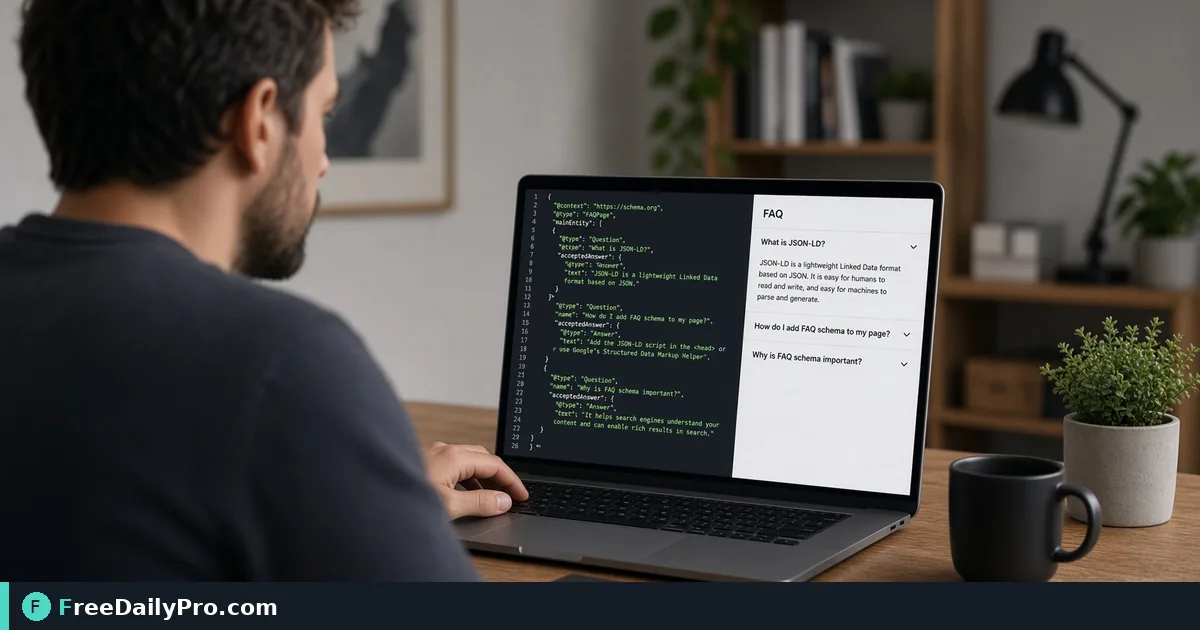
Use the Add Question button for the third row. The generated panel then shows a JSON object with "@context": "https://schema.org" and "@type": "FAQPage", and a mainEntity list holding three Question objects. Each has a name (the question) and an acceptedAnswer of type Answer with a text field. Press Copy as Script Tag and the clipboard holds that JSON wrapped in <script type="application/ld+json">.
Where the code goes
Paste the script tag into the HTML of the page it describes, in either the head or the body. It is invisible to visitors. Wording must match the visible page: if the page says "two working days", the markup should too. When you edit the page copy later, update the markup in the same sitting, since stale structured data is a common reason for it being ignored.
Steps in order
- Open the tool and set Schema Type to FAQ Page.
- Delete or overwrite the sample rows. The delete button is disabled while only one row remains, so edit the last one rather than trying to remove it.
- Enter each question in the Question box and the full answer in the Answer box.
- Check the Generated JSON-LD panel as you type. It updates live.
- If the Copy as Script Tag button is greyed out, an amber message tells you a required field is empty. A row counts only when both question and answer have text; a half-finished row is left out of the output rather than breaking it.
- Copy the script tag, paste it into the page, publish, and test the live address with a rich results or schema testing tool.
Honest expectations about search results
Markup describes a page; it does not guarantee a special listing. Google has said it now shows FAQ rich results only for a limited set of well-known authoritative sites, so a small business should not expect expanded results from this alone. The tool's own note says the same: structured data helps search engines understand a page, with no promise of a special result. Reasonable reasons to add it anyway are tidier machine-readable content, and a page that is easy to audit later. If someone promises guaranteed rankings from schema, be sceptical.
Rules that hold regardless of rewards: only mark up questions that are visible on the page, write answers as plain text, and do not use FAQ markup for advertising copy. Keep </script> out of your answers, since the tool writes your text as typed. Quotation marks and line breaks are escaped for you in the JSON.
The other four types, briefly
The same menu offers Article, Product, Local Business and Recipe, each with its own fields. A few specifics worth knowing:
- Article asks for a headline, author and published date, with an author type of Person or Organization. Publisher, logo and modified date are optional but recommended, and a note appears if you leave them out.
- Product takes a name, price, currency and availability of In Stock, Out of Stock or Pre-Order. The rating block appears only when both rating and review count are filled in. Clear them unless you hold genuine reviews.
- Local Business needs a name and address, with phone optional.
- Recipe adds up prep and cook times written as ISO durations such as
PT15Mto work out total time. A value in another format counts as zero.
Fill the right type for the right page. A shop page with a single product is a Product; the shop's contact page is a Local Business; this guide's page would be an Article.
Common mistakes
- Leaving sample questions in. Re-read the panel before you copy.
- Marking up answers that are not on the page.
- Using one FAQ block site-wide instead of per page. Each page should describe its own questions.
- Adding product ratings with no real reviews behind them.
- Pasting the script twice, once in the head and once in the body, which creates duplicate markup.
- Never testing. Run the live URL through a validator after publishing.
Checking and extending the markup
If you want to look at the object in a more readable layout or confirm that your edits still parse, JSON Formatter validates and indents it. Titles and descriptions belong in Meta Tag Generator, and crawl rules plus a sitemap come from Robots Sitemap, which has its own launch-day guide. The rest of the toolkit is in SEO tools.
The generator builds everything in your browser from the fields you fill in, and only the copy action counts as a trial use, so you can adjust the text as often as you like before copying. Keep a text copy of your questions and answers beside the page source; it makes later updates quick.
Which page on your site has a real FAQ that is not marked up yet, and what do customers ask most? Tell us on the contact page.