Trim an Interview to a 90-Second Teaser, to the Tenth of a Second
Cut the best 90 seconds out of a long interview recording, with fades and exact start and end times, and learn what a single trim cannot do.
You recorded a 52-minute interview, and the best answer runs from 14:32.5 to 16:02.5. You want just that as a 90-second teaser for social media, with a soft start and a fade at the end. Audio Trimmer cuts one stretch out of a file at exact times you set by dragging or typing.
In short: drop the recording, listen to find the passage, set the start and end, add fades if you want them, press Trim Audio and download the clip.

Find the passage before you touch the slider
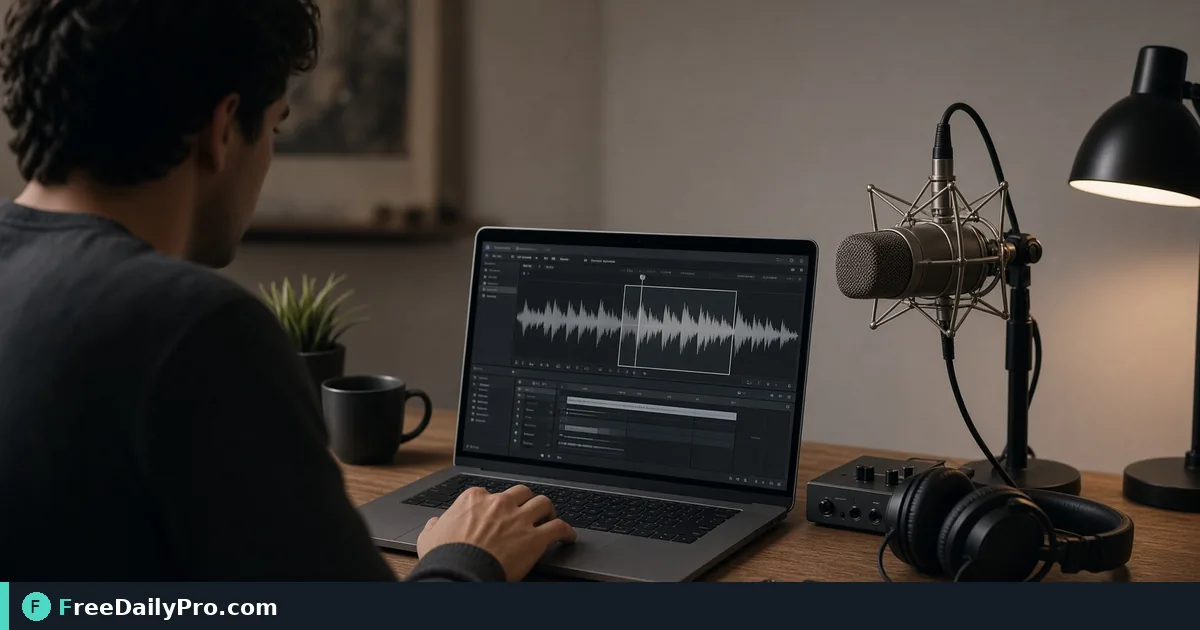
Once the file loads you get a player, a waveform with the selected part highlighted, and a range slider with two handles. The slider moves in 0.1-second steps. Beside it are Start and End boxes in minutes:seconds, where you can type a value such as 14:32.5 or just 872.5 for seconds.
Use the player to find the answer first. A "Preview from start" button jumps the player to your current start point so you can hear exactly where the clip will open. Type the start, press Enter, then set the end the same way. The tool rejects a start that is later than the end and puts the old value back with a short message.
Steps with the numbers from this example
- Drop the file. A damaged or non-audio file shows a message and says nothing was taken from your trial.
- Wait for the length to appear. By default the whole file is selected, so Total reads the full 52:10.
- Type 14:32.5 in Start and press Enter. Type 16:02.5 in End and press Enter. The line under the slider reads "Selected: 1:30 of 52:10".
- Choose Fade in 0.5 s and Fade out 2 s. The options are none, 0.5, 1, 2, 3 and 5 seconds.
- Press Trim Audio. Preview the result.
- Download. The clip is named trimmed_ followed by the original file name.
That is the whole flow for one clip. If you only need a short slice of a song or recording from a chosen start, the Ringtone (30 s) button sets the end 30 seconds after your start, or at the end of the file if that comes first. You can still adjust either handle afterwards.
Why the cut is exact
The tool re-encodes the audio rather than copying it, which is why it can begin at the time you type instead of snapping to the nearest frame of the source. The price is a short wait, and for MP3, M4A and OGG a very small loss from encoding again. WAV and FLAC are written losslessly. The output stays in the family of the file you dropped, and anything unrecognised becomes MP3.
Because the cut is exact, it can also land in the middle of a word. Start a quarter of a second before the first syllable so a hard consonant is not clipped, and end after the last breath has faded. Play the downloaded result with headphones once; the handful of seconds around each edge tell you almost everything.
Choosing fades
A fade in of 0.5 seconds removes the click that happens when audio starts at a non-zero point in the wave. It is short enough that the first word still sounds immediate. A 2-second fade out suits a teaser that ends mid-thought, because the sound dies away instead of stopping abruptly.
Do not use long fades on a clip that begins right on a loud statement; you would soften the very thing you selected. Fades are applied to the trimmed result only, and your original file is not altered at any point.
What one trim cannot do
The tool keeps a single continuous range. It cannot take 3 minutes from the start and 2 minutes from the end and join them, and it cannot delete a cough from the middle. For repeated dead air inside a recording, Silence Remover looks for quiet stretches throughout the file using a threshold and a minimum duration and removes them. Lowering the threshold makes it stricter about what counts as silent, which is the fix when it eats pauses you wanted.
To assemble two cut passages into one teaser, trim each separately and join them with Audio Merger. The write-up on removing silence from recordings explains the threshold settings in more depth.
Mistakes and how to spot them
Selecting the wrong region is the most common problem. If the highlighted part of the waveform looks nothing like the loud passage you heard, you probably typed 14:32 when you meant 14:32.5, or swapped seconds and minutes. Check the Selected line against the length you expect.
The second slip is trimming before cleaning. A steady hiss is just as audible in a 90-second clip, and the clip is the version people will listen to on a phone speaker. Run the original through Noise Remover first if the room was noisy, then trim from the cleaned file. The third is forgetting the output format: if the platform wants a particular container, pass the clip through Audio Converter afterwards.
Limits and privacy
Files up to 50 MB can be handled during trial use, with a paid plan raising that to 200 MB. A 52-minute MP3 at 128 kbps is roughly 50 MB, so a recording of that length sits close to the trial limit; if you see the size notice, cut a rough section out first. The audio stays on your device. The first use downloads a processing engine of about 25 MB from a public content network, then trimming itself happens in your browser. A trial use is counted at download.
When another tool fits better
If you want a phone ringtone, the dedicated Ringtone Maker produces M4R for iPhone or MP3 for Android. If the job is to make a long file smaller without cutting anything, Audio Compressor is the better match. For everything else in this area, the audio tools category has the rest of the shelf.
What kind of recordings do you trim most often: interviews, lectures or calls? Say so on the contact page so we can write the next guide around that.