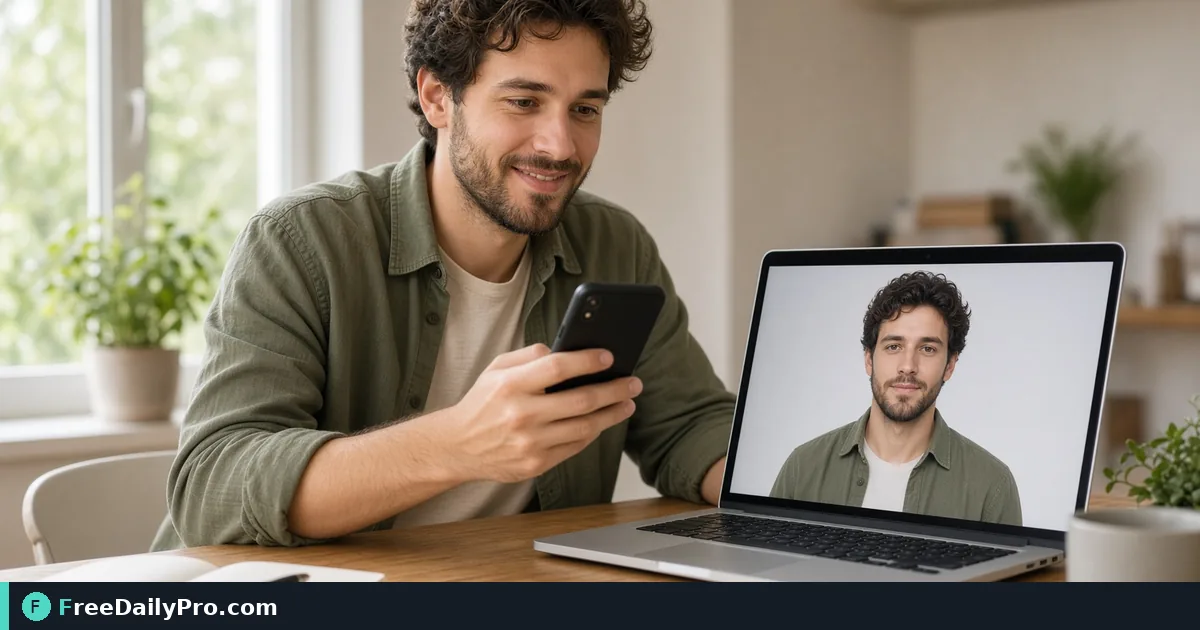
Make a Passport Photo From a Phone Picture, Sized and Printable
Crop a phone photo to a passport template, check head size with guide ovals, hit an upload size limit, and print a 4x6 sheet of copies.
The passport office wants a 35 by 45 mm photo, the online portal wants a JPEG under 100 KB, and what you have is a selfie from last Tuesday. Most rejected applications fail on small things: a head too small in the frame, an uneven background, an oversized file. Passport Photo Maker handles the mechanical part, size, framing and file weight, and leaves you in charge of the rules about expression and lighting.
The clip below shows choosing a template and framing the face.

Start with a better source picture
A phone selfie taken at arm's length bends the face, because the lens is close to the nose. Prop the phone on a shelf at eye level, use the timer, and stand about a metre and a half from a plain light wall with soft light from a window in front of you. Look straight at the lens with a neutral face, and keep your shoulders square. The tool crops and resizes; it cannot remove a harsh shadow or a patterned wall behind you.
A worked example: one 35 by 45 mm photo and a sheet
Say you choose UK Passport (35 x 45 mm) from the Photo Size list. The output is made at 300 DPI, so the single photo is 413 by 531 pixels. The line under the list says the head should fill 64 to 76 percent of the photo height, which on this template is roughly 340 to 404 pixels from the top of the hair to the chin.
The preview shows two guide ovals. The green one is the smallest head allowed and the red dashed one is the largest, plus a blue centre line. They appear only in the preview, never in the download. Move the sliders until the chin sits between the bottoms of the two ovals, the top of the hair between their tops, and the face is centred on the blue line.
Steps in the tool
- Drop your photo onto the zone. It is processed in your browser.
- Pick the template. There are twelve: US Passport or Visa at 2 x 2 inches, UK, EU or Schengen Visa, Australia, Japan, New Zealand, Ireland, Singapore and South Korea at 35 x 45 mm, Canada at 50 x 70 mm, India at 51 x 51 mm, and China Visa at 33 x 48 mm. The tool shows the exact output size, for example 600 x 600 px for the US and 413 x 531 px for 35 x 45 mm, and links each country's official page. New Zealand, Ireland, Singapore and South Korea are marked as not yet compared with that page.
- Optionally press Make background white + auto-fit head. The tool cuts out the person, puts white behind them and aims the head at the middle of the allowed range.
- Fine-tune with Zoom (100 to 400 percent) and the Horizontal and Vertical position sliders, using the guide ovals as your check.
- If an online form has a weight limit, set File size limit to No limit or Under 50, 100, 240 or 500 KB. The single photo is saved at the highest JPEG quality that fits.
- Choose Download Single Photo, or Download Print Sheet (4x6").
The auto-fit is an estimate
Auto-fit finds the head by looking at the cut-out outline and estimating the chin, so it is a starting point, not a verdict. Check the face against both ovals. Hair that blends into the background, a hat, or a bright scarf can confuse it. If it misjudges, adjust the sliders by hand. The cut-out uses a small model that runs on your device and is loaded from this site, so your picture is not sent anywhere. If you only need a clean background, Remove Background does that on its own.
The print sheet
The sheet is a 4 by 6 inch page at 300 DPI, set portrait or landscape, whichever fits more copies of your template, with thin grey outlines between the photos as cutting guides. It is saved as a JPEG and does not use the file size limit. How many copies fit depends on the size:
- UK 35 x 45 mm: 8 photos in landscape (4 across, 2 down).
- US 2 x 2 inch: 6 photos (2 across, 3 down).
- Canada 50 x 70 mm: 4 photos.
- India 51 x 51 mm: only 2 photos, because the 4 inch width (101.6 mm) is a hair narrower than two 51 mm photos side by side.
Print at 100 percent scale with no "fit to page" setting, or the copies will come out the wrong size.
Common mistakes
- Treating the correct size as proof of acceptance. Authorities also set rules on background, expression, glasses, head coverings and how recent the photo is, and those can change. Read the issuing authority's current instructions before you submit.
- Assuming the Canada preset covers everything. It gets the 50 x 70 mm size right, but printed photos there also need a commercial photographer's stamp and a guarantor's signed statement on the back of one copy, which no tool can add. Check the official steps.
- Cropping a small image. If the source is only 600 pixels wide, a 413 pixel photo is fine, but a 50 x 70 mm print needs about 591 by 827 pixels. A tiny source will look soft.
- Uploading the file you printed from. Online forms often want a smaller JPEG; set the size limit instead of recompressing by hand.
- Leaving the head-size guide on and thinking it is in the download. It is a preview aid only.
- Shooting in a strong colour cast. White-looking walls can turn yellow under a warm lamp; use daylight.
Related steps
If you need a different crop, Resize & Crop handles custom sizes, and Convert Image turns a HEIC or WebP into JPG if a portal insists on it. The image tools category lists the rest. After you download, open the file once at full size and look at the edges, the eyes and the background before you upload it.
Which country's rules cause you the most trouble, size, background or file weight? Tell us on the contact page.