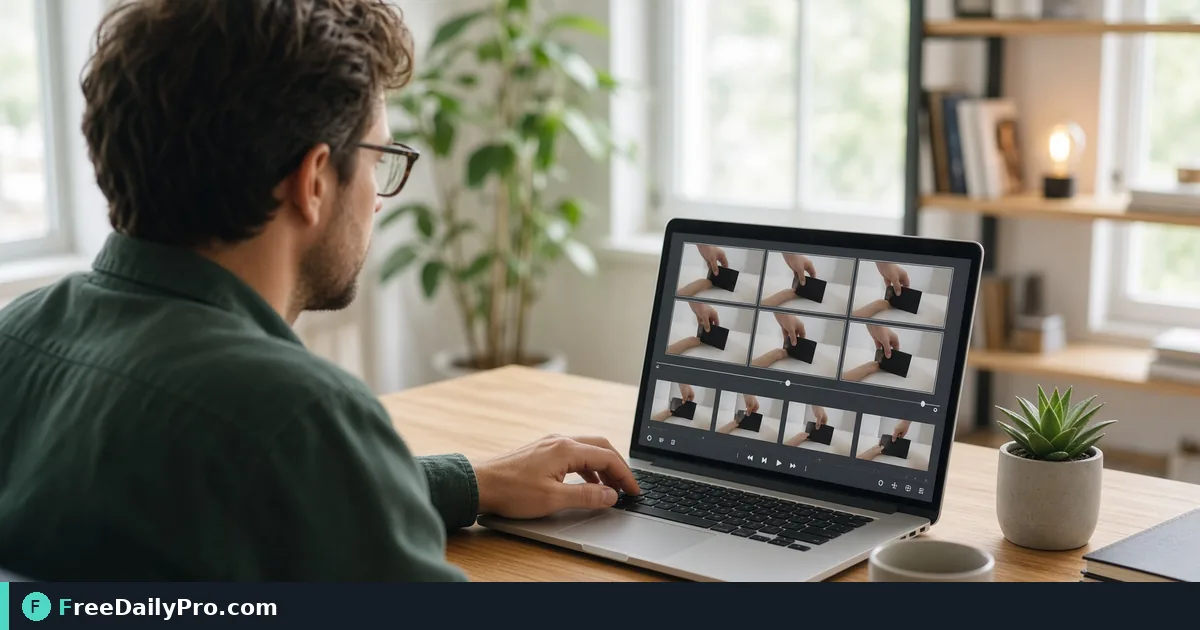
Turn a 6-Second Screen Demo Into a Lean Looping GIF
Pick start, length, width, frame rate and a 5 MB cap to convert a short product demo to a GIF in your browser without a bloated file.
You recorded a 40-second screen capture of a new feature, but the README only needs the six seconds where the button turns green and the toast appears. Upload the whole clip as a video and the page loads a player nobody presses. A short looping GIF plays by itself. Video To Gif lets you pick that six-second window and shrink it to fit.
The conversion runs inside your browser, so the clip is not uploaded to a server. The first run downloads the video engine the page needs, which means a blocked network can stop it from starting.

The scenario: a demo clip for a README
Say the interesting part begins at 14 seconds in the recording and lasts 6 seconds. Drop the file onto the page and a small preview appears. If the clip is longer than 20 seconds, an amber warning explains that GIFs work best under about 10 seconds. Then set the controls like this: Start 14, Length 6, Width 480 px, Frames per second 12, Speed Normal, and Largest file 5 MB. Press Create GIF.
Those choices are not arbitrary. At 480 px wide a 16:9 frame is 480 by 270, about 130,000 pixels, and 6 seconds at 12 fps is 72 frames. Raise the width to 800 and the rate to 20 fps and each frame is 800 by 450 (360,000 pixels) across 120 frames. That is roughly 4.6 times as much raw picture data, and GIF does not compress between frames the way video does. A UI recording with flat colours holds up well at the lower setting.
Steps in the order the page shows them
- Drop a video file on the page. Anything that does not look like a video is rejected with a message.
- Check the preview and the file size notice. If the clip is long, trim it first or just set Start and Length.
- Set Start (seconds) and Length (seconds). The minimum length is half a second.
- Choose Width from 240, 320, 480, 640 or 800 px.
- Choose Frames per second from 5, 8, 10, 12, 15 or 20.
- Choose Speed from 0.5x up to 2x, and tick Play once (no loop) if the GIF should stop after one run.
- Set Largest file to No limit, 2, 5, 8 (chat apps) or 10 MB.
- Press Create GIF, check the preview and the size shown under it, then use Download. The file takes the original name with a .gif ending.
What the size limit really does
With Largest file set, the tool encodes a short sample from the middle of your clip, estimates the full size, and lowers width and frame rate until the estimate fits. It then makes the real GIF and, if it is still too big, steps down up to two more times. When nothing fits, it tells you how many seconds of the clip would, which is a useful hint to shorten Length.
Expect a trade-off: if the tool reduced your settings you will see a note such as "reduced to 320 px, 10 fps". Text in a screen recording becomes hard to read below about 480 px wide, so a shorter Length is often better than a smaller picture. A looping demo of three seconds at full width reads more clearly than eight seconds at 240.
Making the loop feel right
Looping GIFs jump when the last frame does not resemble the first. Start the window just before the action and end it after the interface settles back, or tick Play once so the animation stops on the finished state instead of snapping back. Slowing to 0.75x helps when viewers need to read a toast message, and 1.5x or 2x suits a long form fill where you want to show the flow rather than every keystroke.
The tool makes a colour palette first and then encodes with it, which is why gradients and photographs look better than a one-step conversion would give. Even so, a GIF holds only 256 colours per frame, so screenshots of photos will show banding. If your clip is mostly photographic, consider sharing the video instead.
When another tool is the better step
For a clip longer than about 10 seconds, cut it with Trim Video first, since a shorter source also reduces processing time. If sound matters, remember that GIF has no audio track at all, so keep the video and shrink it with Compress Video. Other editing steps live in the video tools category, among the 300+ professional tools, premium applications and workflow products on FreeDailyPro.
Phone recordings sometimes fail straight away. Some .mov files use a codec the in-browser engine cannot decode, and re-exporting the clip as MP4 from your phone, or converting it, normally solves that.
Mistakes to watch for
- Picking Length 20 seconds and then being surprised by a 30 MB result. Lower width, frame rate or length before blaming the tool.
- Setting Largest file to 5 MB and ignoring the note saying the settings were reduced. Check that the text is still legible.
- Leaving the tab while the GIF is being made. The conversion needs the page open, and the Stop button cancels it.
- Expecting sound. GIFs are silent.
- Changing any control after the preview appears and forgetting the earlier result is cleared. Press Create GIF again.
Closing next step
Take a clip you already have, set a six-second window, choose 480 px at 12 fps and a 5 MB cap, and see what comes out. If it is too large, reduce Length before you reduce width. Start with Video To Gif.
Where do your GIFs end up most often, a README, a chat thread or a help-centre article? Tell us on the contact page.